Follow us


©2020-2025 Dreamtonics Co., Ltd. All Rights Reserved.

Follow us
©2020-2025 Dreamtonics Co., Ltd. All Rights Reserved.
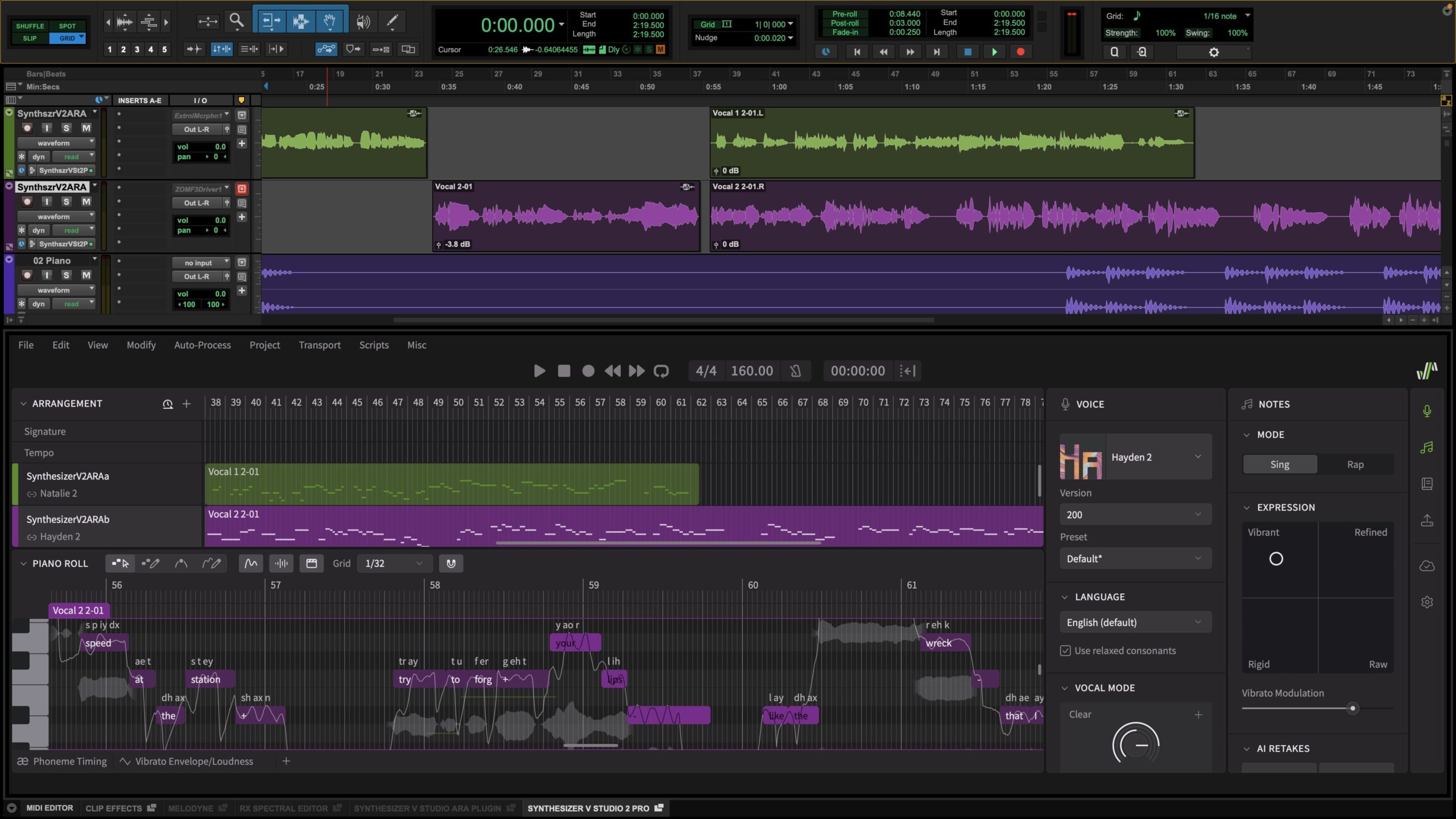

Synthesizer V Studio 2 Pro 2.1.0 with Audio Random Access (ARA) support for Pro Tools is now available!
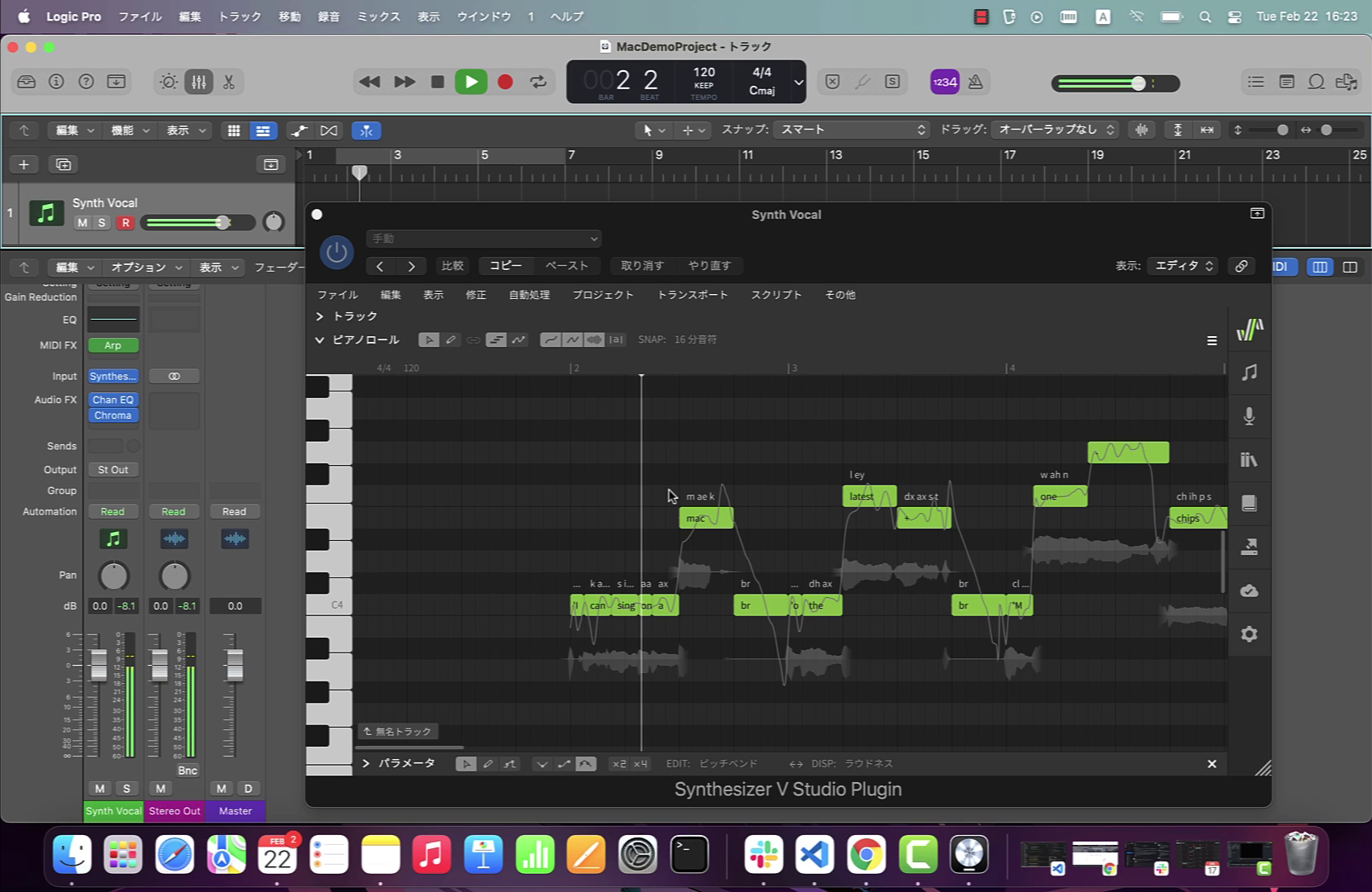
Designed to create a more seamless and responsive workflow, allowing for deeper integration and faster editing within the Pro Tools environment, Synthesizer V Studio 2 Pro 2.1.0 now interacts directly with the timeline, eliminating the need for manually switching between windows when playing back programmed vocal parts.
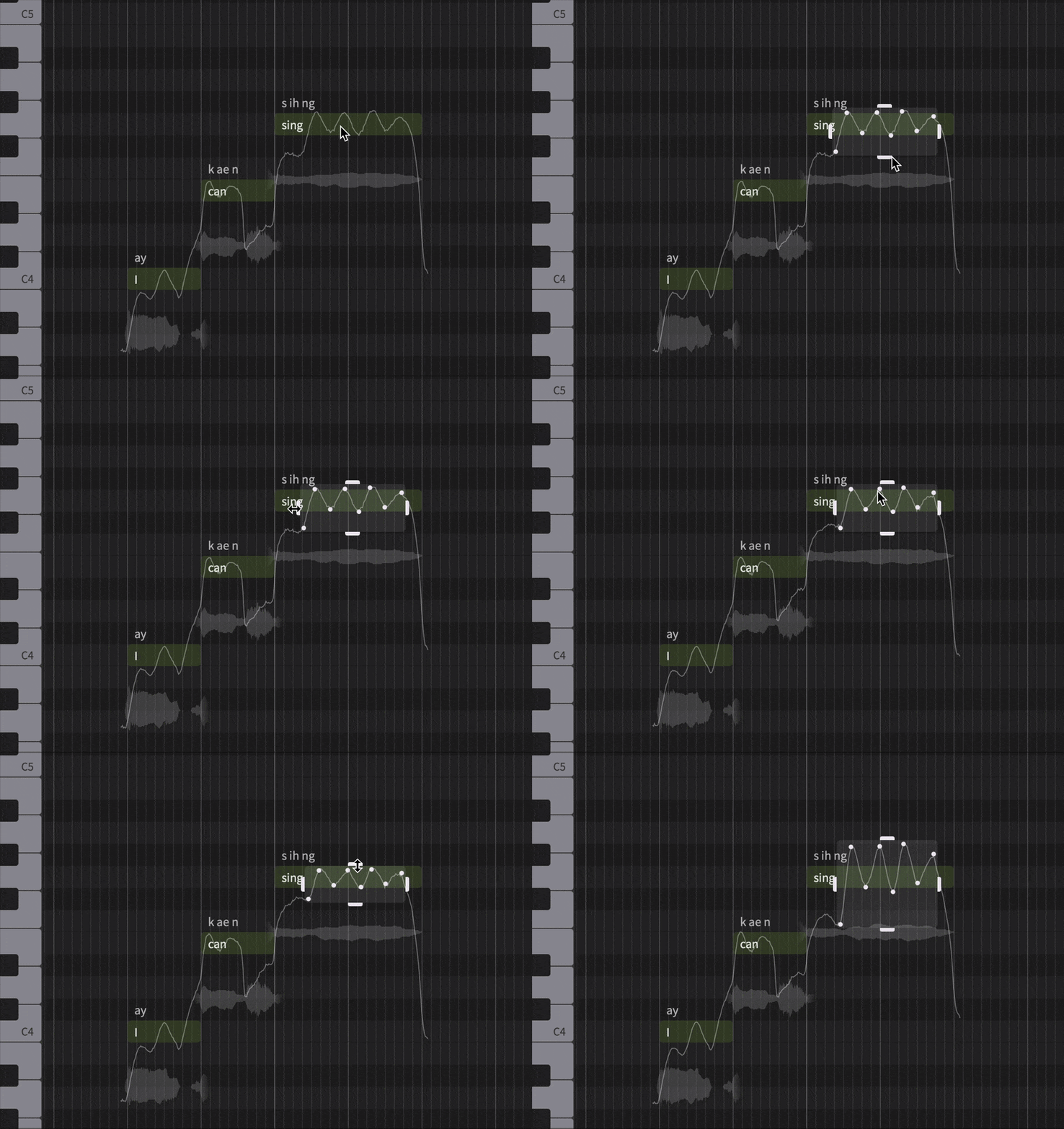
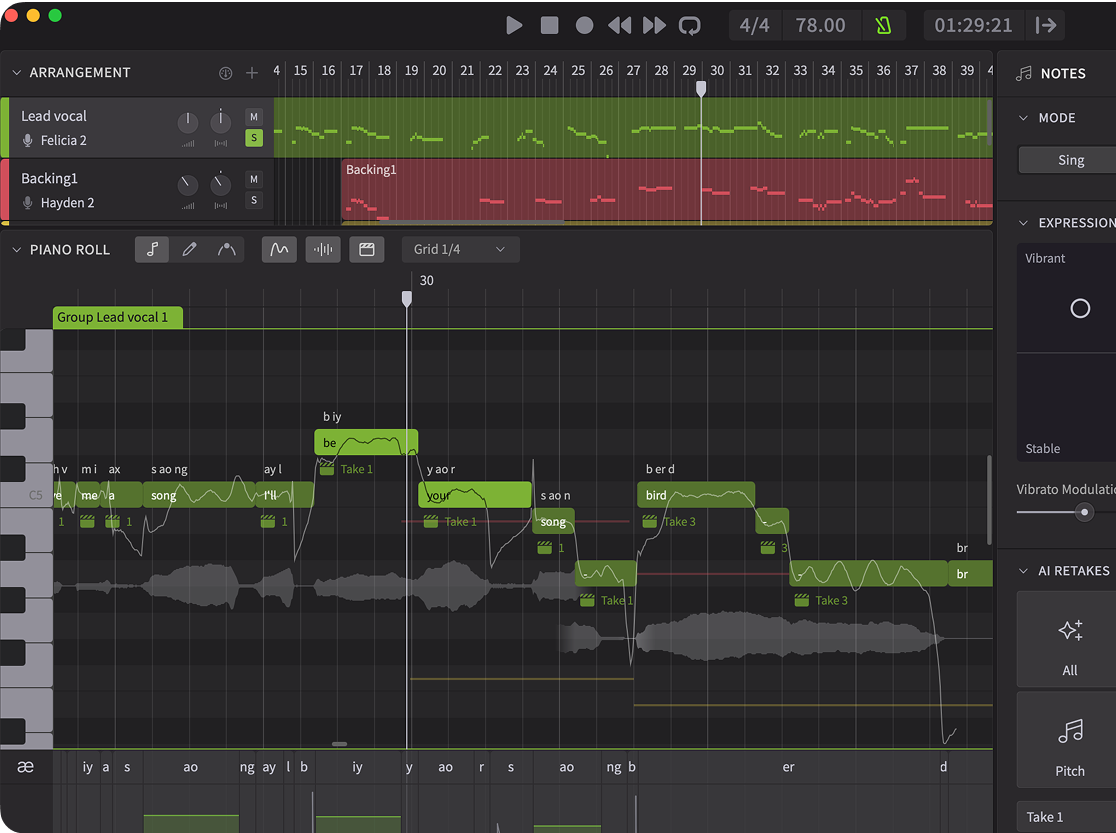
This release also introduces a redesigned Pitch Control Points Mode in the Piano Roll. The new system automatically generates control points following pitch curves, and allows for quick adjustment of depth and speed for pitch bends and vibratos via intuitive resizing handles.
Users of Synthesizer V Studio 2 Pro can access this update by relaunching the program, and follow the instructions that appear in the update dialog.
This new ARA integration is the latest step in the evolution of Synthesizer V Studio 2 Pro’s unparalleled realism and control – from re-trained AI models for more natural dynamics, up to 300% faster rendering, a suite of advanced creative controls including the revolutionary Mouth Opening parameter, enhanced Vocal Modes for nuanced styles, the Phoneme Timing Panel and much more!
If you’re new to Synthesizer V and a Pro Tools user, go to Free Trials and download our free, 14-day, fully-featured trial that comes with full plugin support!
Once you’ve installed Synthesizer V Studio 2 Pro version 2.1.0, watch and follow the following video:
See all pricing and buy Synthesizer V Studio 2 Pro, all voices, plus Vocoflex & all bundles via the Dreamtonics Store.
See below for detailed release notes.
New Features
Redesigned Pitch Control Points Mode:
– Automatically trace pitch curves into control points when selecting an area.
– Show a resizing box after selecting multiple points.
Added a command (default: Ctrl/Command + D) for creating a copy of selected notes and placing the copy after the selection.
Added a shortcut for creating a copy of the selection by dragging while holding the alt/option key.
Added a command (default: left/right arrow keys) for moving the playhead by one bar.
Added a button for enabling/disabling snapping behavior inside the piano roll.
Added support for scrolling with the middle mouse button.
Added a sine tone to be played when creating/dragging a note.
Added full ARA support for Pro Tools (requires Pro Tools 2024.10).
Added tempo detection and beat grid visualization for imported audio.
Behavior Changes
Changed the default key shortcut for “Shift Up by an Octave”/”Shift Down by an Octave” to Ctrl/Command + Up/Down arrow keys.
For fresh installations of Synthesizer V Studio 2 Pro, changed the default behavior to returning the playhead to the original position after pausing.
Snap the playhead to the grid. This behavior can be turned off in the settings.
Changed the color of overlapping notes.
Open the lyrics editor on the next note when entering a space character into the note’s lyrics editor. This behavior can be turned off in the settings.
Changed autosave strategy to keep a rotating backup of projects opened in the last 7 non-consecutive days.
Feature Improvements
Added support for changing the tempo by dragging the tempo indicator in transport controls.
Improved the visibility of scroll bars in the Piano Roll and Arrangement.
Improved the visibility of the piano roll’s grid.
When the ARA plugin’s window has insufficient vertical space, collapse the menu bar into the program icon.
Redesigned the silence indicator that shows when two neighboring notes are separated by a small gap.
Allowed automatic lyrics language detection to be turned off in the settings.
Allowed tooltips to be turned off in the settings.
Added a warning icon to the phoneme area above a note, to be shown when invalid phonemes are entered into the note.
Optimized project loading for the ARA plugin.
Updated script bindings to support smart pitch controls.
Bug Fixes
Fixed crashes when rapidly moving a note group back and forth between tracks.
Fixed crashes when loading the plugin in Ableton on macOS.
Fixed crashes when loading a corrupted voice file; show an error message instead.
Fixed crashes and timeline mismatch when using the ARA plugin in a REAPER project that starts from a negative time or a negative bar.
Fixed crashes when loading a new project without first clearing the selection.
Fixed crashes when moving groups across tracks with “Show Melodies from Other Tracks” option turned off.
Fixed crashes during program shutdown on Windows, causing the recovery dialog to appear despite no data having been lost.
Fixed crashes after performing certain undo/redo operations related to the creation/removal of note groups.
Fixed a misconfiguration in the macOS installer that allows installing the plugins without the standalone, which would result in a broken installation.
Fixed audio from the ARA plugin being routed to a different track after reopening a saved project in Studio One 6 and above.
Fixed rendering getting stuck when the lyrics contains archaic Japanese characters such as “ゑ” and “ゐ”.
Fixed slow responses when using smart pitch controls on a group that is linked to another group.
Fixed log-in and voice download failure on Windows due to networking issues.
Fixed the slow start up of the standalone application on some Windows systems.
Fixed un-rendered notes when a note that begins with a manually inserted “cl” phoneme is followed by a legato.
Fixed Vocal Mode options not being listed in the parameter panel immediately after opening a saved project by double-clicking, or after opening a saved DAW project.
Fixed autosaved projects being accidentally deleted when quitting the plugin without saving in certain DAWs.
Fixed undo/redo for group creation and audio import being performed together with the previous editing operation.
Fixed the metronome’s on/off status not being reflected in real-time during playback.
Fixed the cache for rendered audio not being reset after removing all notes in a group.
Fixed the toggle button for showing/hiding AI Retakes not working, causing AI Retakes to be always shown under notes.
Fixed tooltip position in VST3 plugins on Windows.


Dreamtonics has released Takumi, a new voice for Synthesizer V Studio 2 Pro, available for purchase now on the Dreamtonics Store. About Synthesizer V Voice Takumi Synthesizer V voice Takumi (native language: Japanese) is a male tenor voice with a lyrical, classical influence, blending musical theatre tones with elements of light operatic […]
Learn how to create custom vocal and choir samples with AI-powered vocal synth Synthesizer V. A step-by-step guide for building unique toplines, melodies, and lyrical hooks for EDM, pop, and more.
Details on new Synthesizer V Studio 2 Pro 2.2.1 update
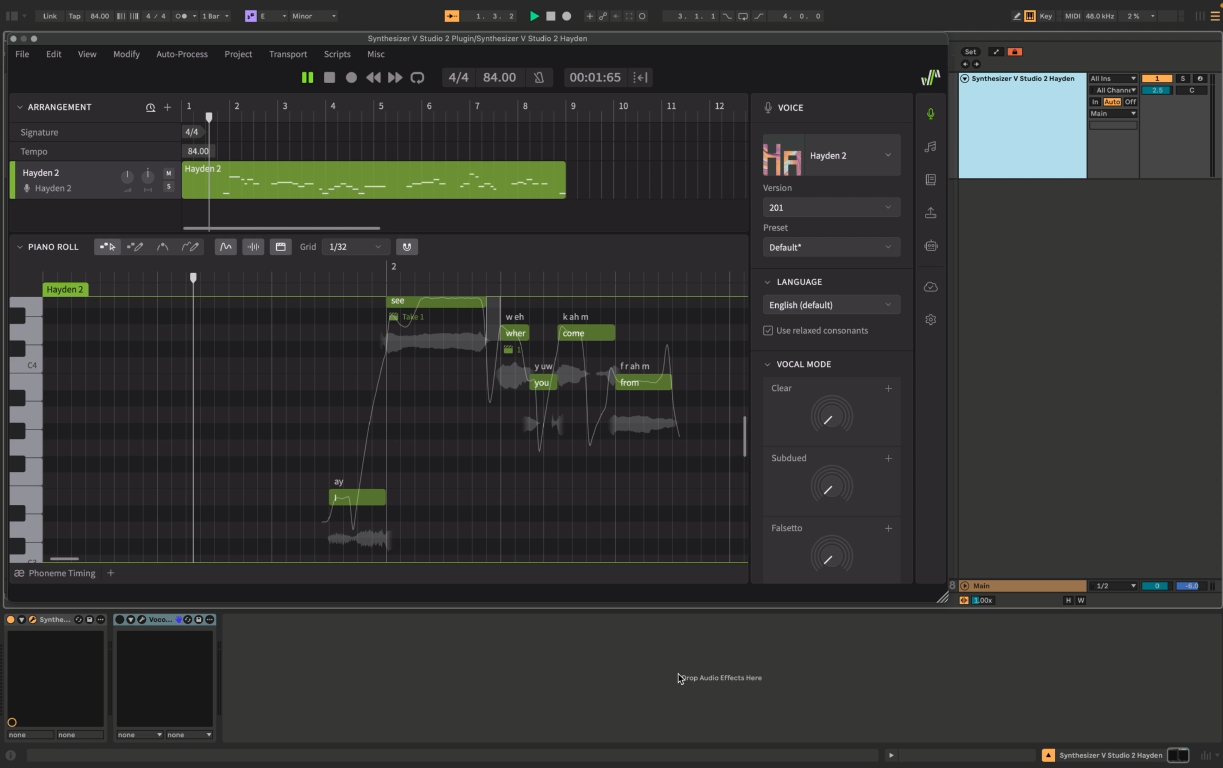
Looking for the best way to change vocals from male to female? Here’s how Vocoflex and Synthesizer V make it easy in your DAW.
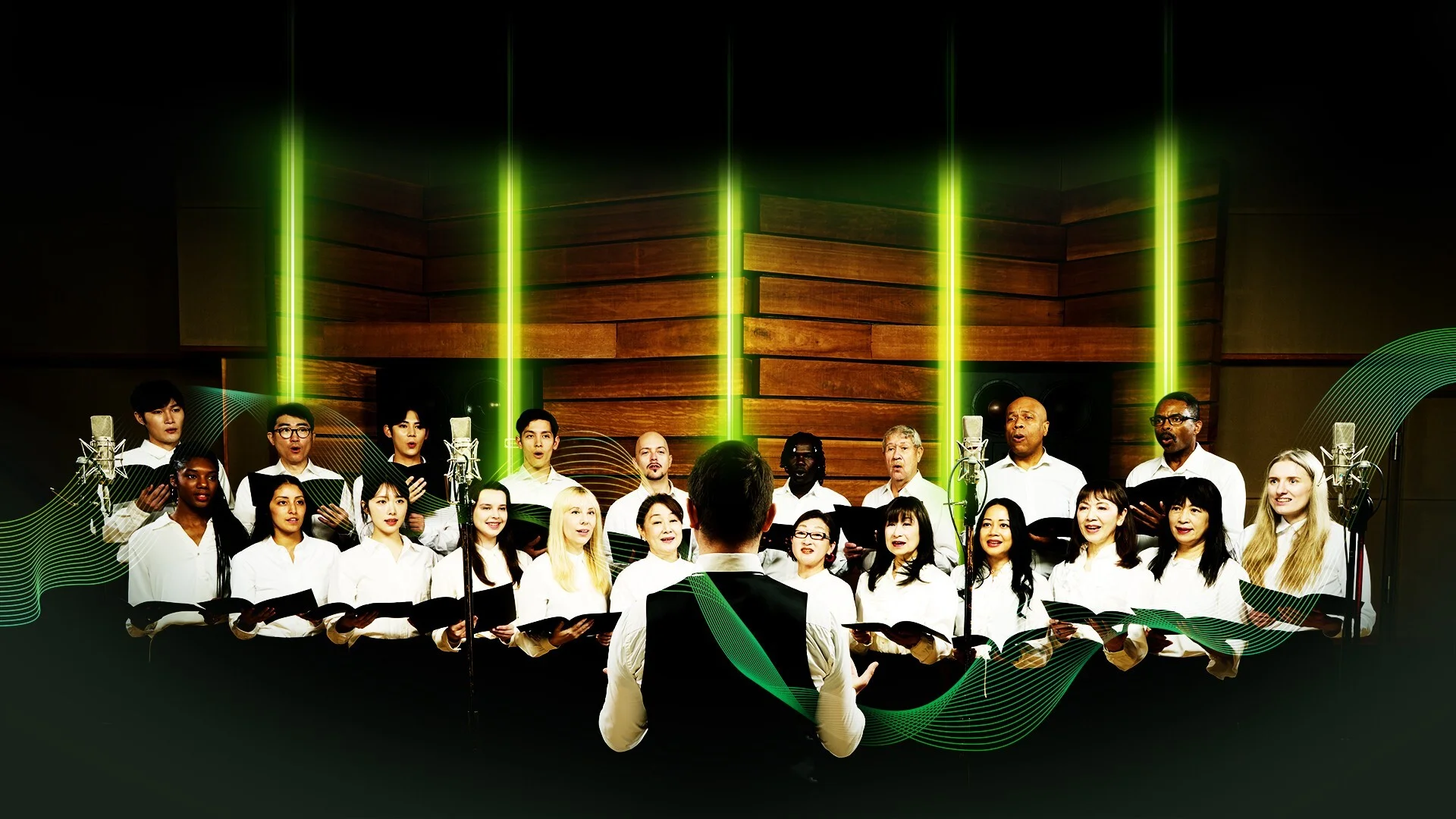
Overview of premium virtual choir collections and expressive vocal synthesis tools
Details on newly released Synthesizer V voices for pop, R&B and classical
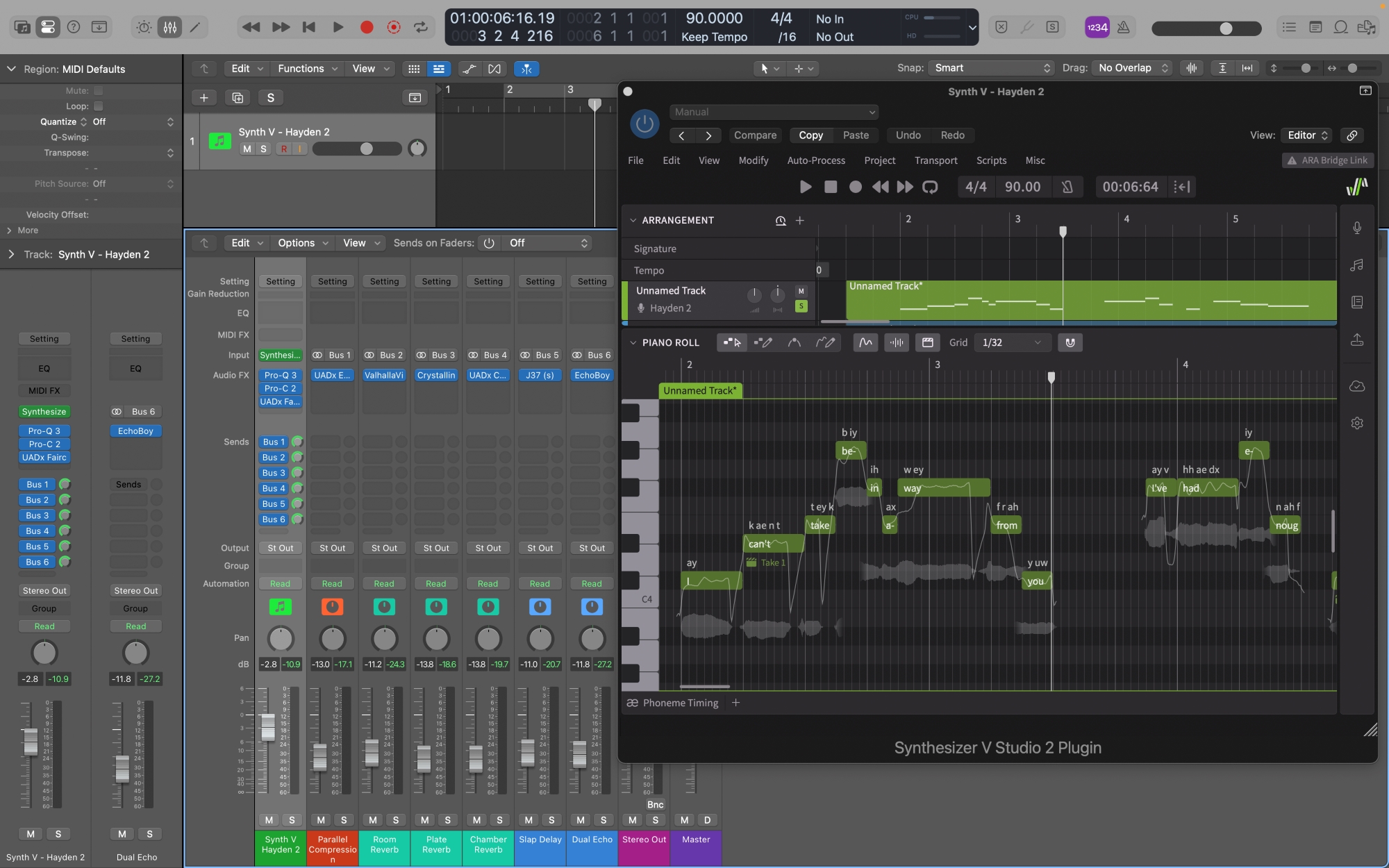
Top vocal plugins and mixing tools for music production with Synthesizer V voices
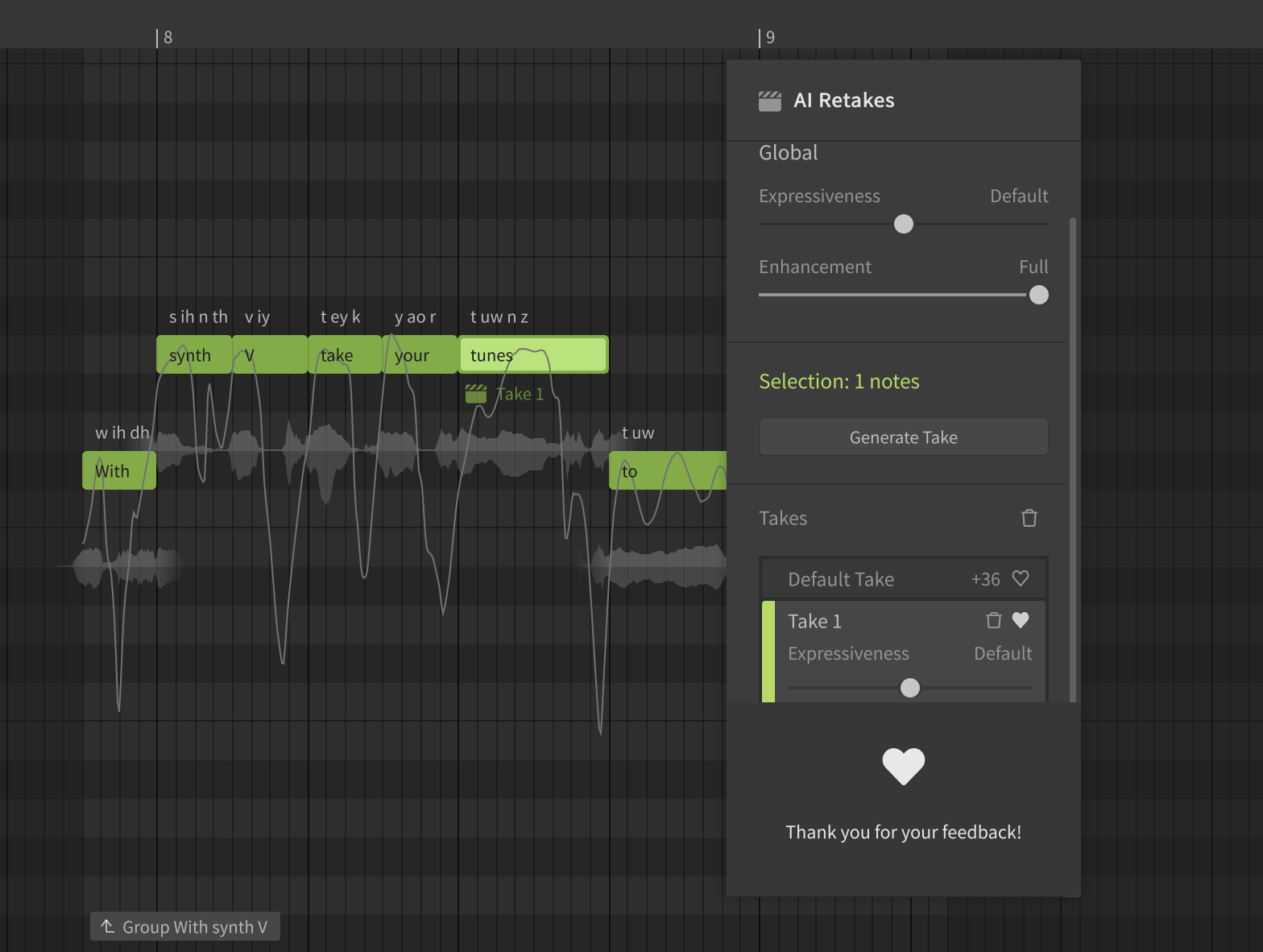
How live rendering improves real‑time AI vocal playback in music production
Explaining neural network and hybrid engine improvements for better vocal sound
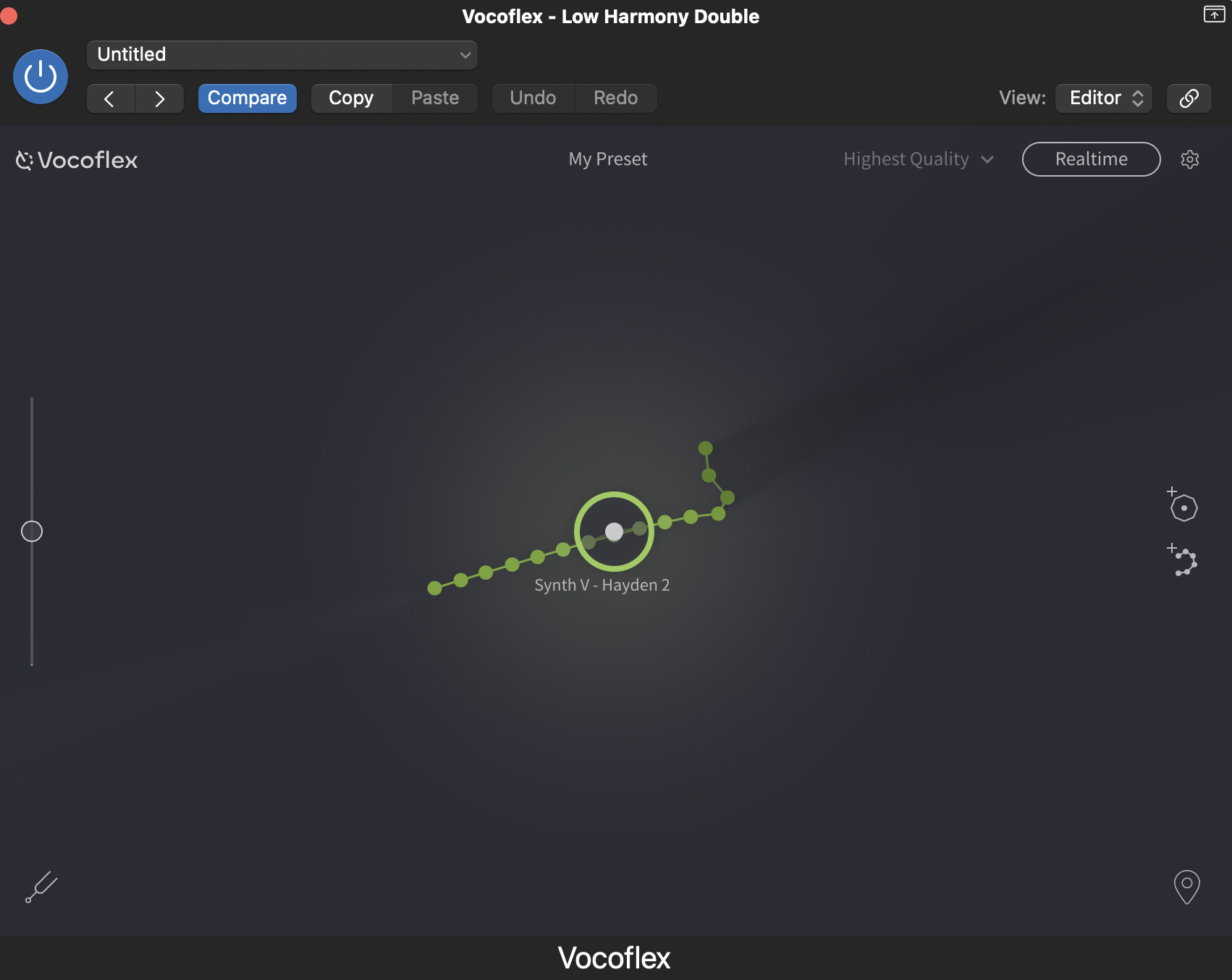
How AI voice cloning transforms vocals and builds layered vocal stacks
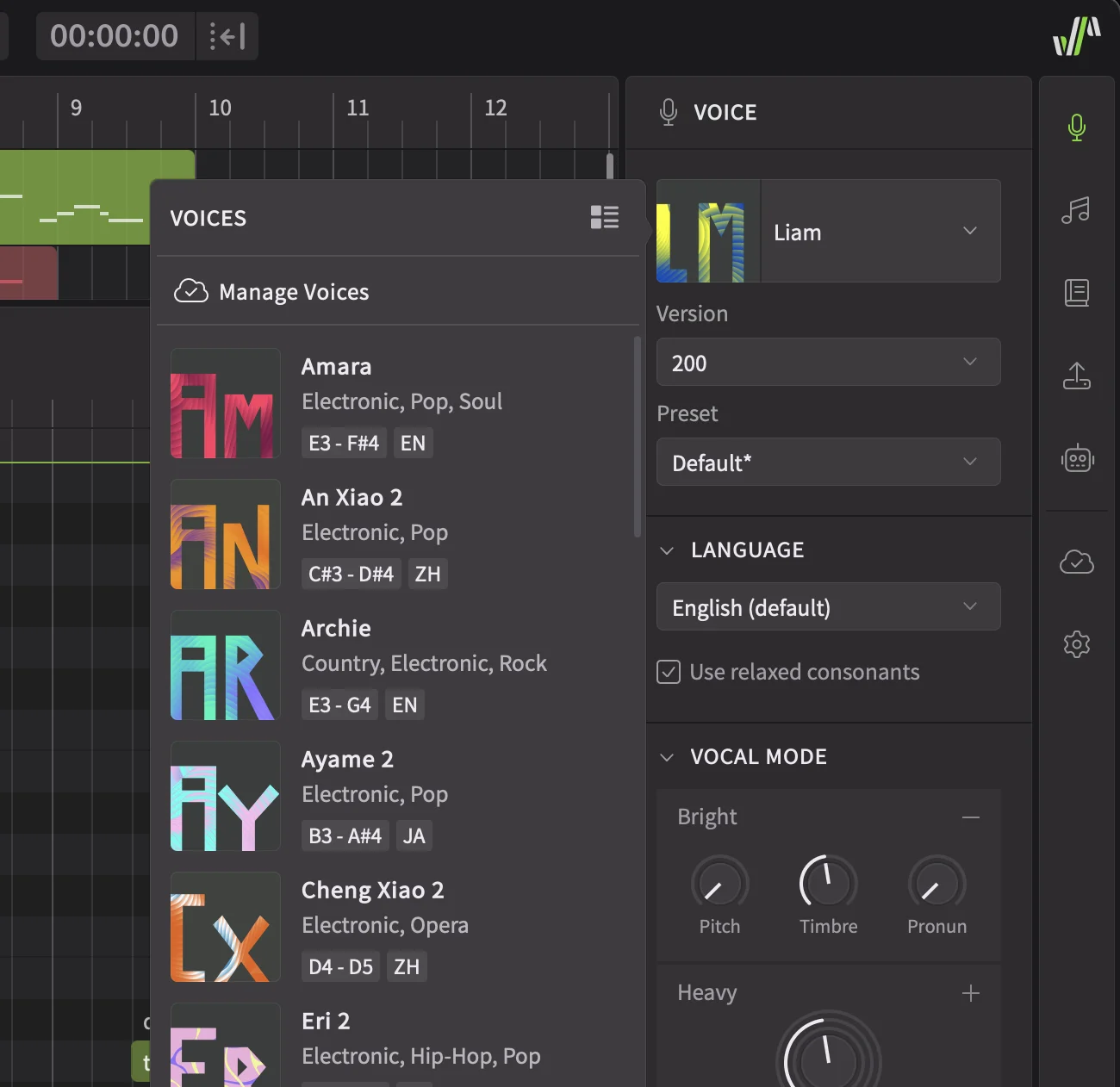
Details on enhanced voice selector, customizable UI and stability fixes in update
Guide to migrating and upgrading Synthesizer V Studio from V1 to V2
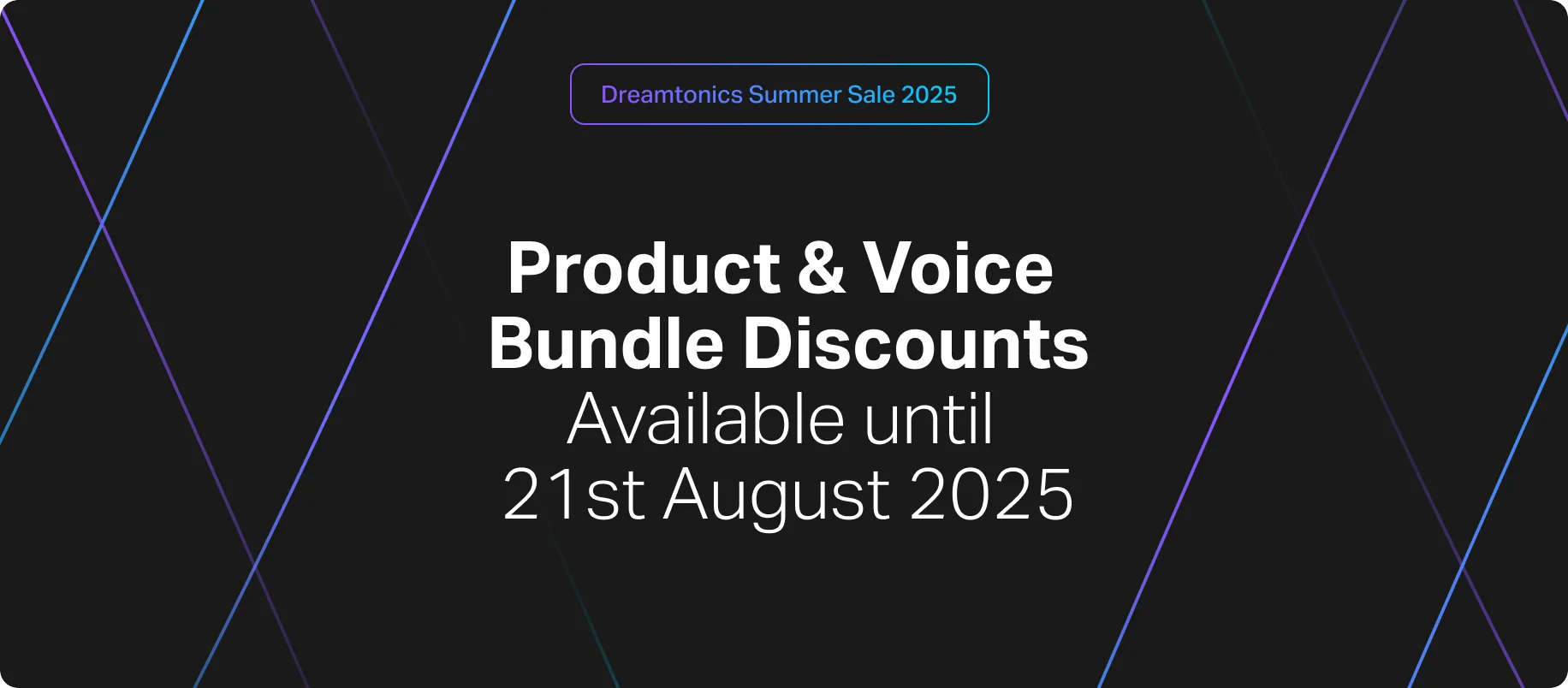
Details on Summer Sale 2025 deals for voices and music production tools
Details on new Amara and Archie AI voices for Synthesizer V vocal production
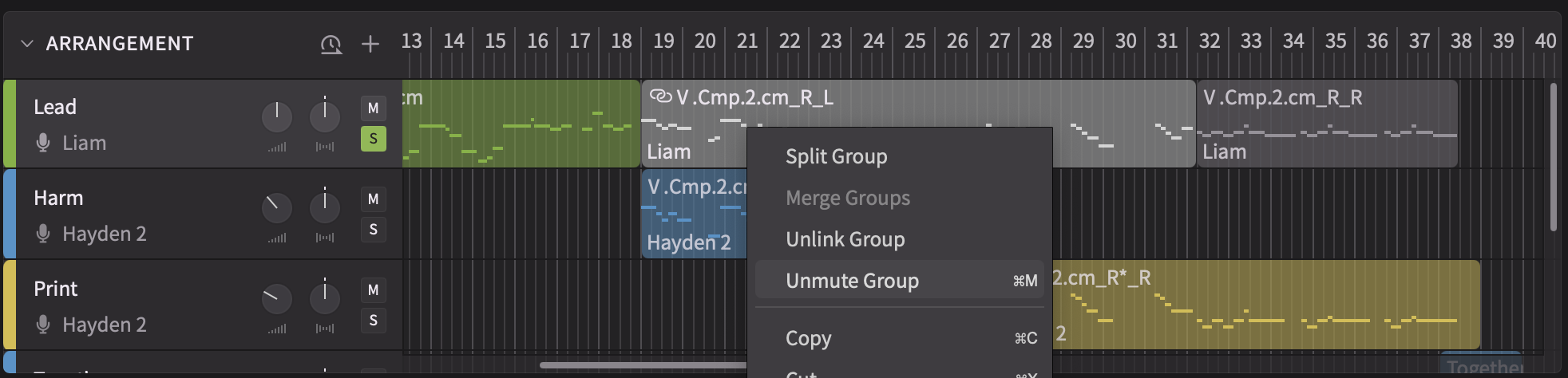
Expanded scripting, group mute and stability improvements in Synthesizer V 2.1.1
Voice update v201 boosts pronunciation, pitch accuracy and cross‑lingual quality

Bug fixes and performance improvements in Vocoflex 1.0.3 voice‑morphing plugin
Guide to migrating projects from Synthesizer V Studio Pro V1 to V2
Walkthrough of Synthesizer V Studio 2 Pro features for AI vocal production

Details on major Synthesizer V Studio 2 Pro release and upgraded voice quality
Explains KYC process and privacy safeguards for the Vocoflex voice tool
Vocoflex 1.0.2 adds multithread processing and plugin compatibility fixes
Overview of FL Studio tempo sync, AAX support and bug fixes in version 1.11.2
Release of Vocoflex real‑time voice plugin and vocal creation bundles

Beta update adds Pro Tools AAX plugin and DAW sync for Synthesizer V Studio
Overview of FL Studio plugin sync and stability improvements in 1.11.2b1 update

Overview of Dreamtonics’ Vocoflex plugin for transforming singing voices
Synthesizer V Studio 1.11.0 adds ARA DAW integration and Voice‑to‑MIDI features
Official Synthesizer V Studio user manual covers basic to advanced features
Beta update refines piano roll UI, ARA integration and Voice‑to‑MIDI workflow
Beta update expands ARA support, Voice‑to‑MIDI speed and cross‑DAW stability
Overview of ARA plugin and vocal MIDI conversion features in Synthesizer V 1.11.0b1
Bug fixes and workflow stability improvements in Synthesizer V Studio 1.10.1
Overview of updating Synthesizer V Studio and voices for Japanese rap vocals
Synthesizer V Studio 1.10.0 adds RLHF pitch, UI tools and voice database upgrades
Beta update with RLHF‑enhanced pitch, timbre improvements and UI tweaks
Beta update improves pitch generation with user feedback for AI vocal workflows
Details on AI pitch updates, note controls and vocal mode improvements in v1.9.0
Beta update refines rap, Cantonese support and AI pitch controls in Synthesizer V
Beta update adds rap features, Cantonese synthesis and vocal workflow fixes
Overview of bugs fixed and improved bass male synthesis in Studio 1.8.1
Details on Synthesizer V Studio 1.8.1b1 update: performance and vocal tools
Synthesizer V Studio 1.8.0 adds DPM engine, MIDI support and cross‑lingual synthesis
Overview of 1.8.0b1 Diffusion models, MIDI keyboard and metronome support
Introducing Synthesizer V AI Mai Japanese AI voicebank for J‑Pop and crisp vocals
New Synthesizer V AI voices Yuma (JP) and Natalie (EN) for vocal production
Voice version selector and stability fixes for Synthesizer V Studio 1.7.1 update
Overview of multiple voice database version support and bug resolutions

Adds AI Retakes vocal editing for refined Synthesizer V music production
Bug fixes for crashes, Intel Mac AI voice glitches and DAW plugin stability
Adds Vocal Modes and Instant Pitch Tuning for richer AI vocal control
Details on Synthesizer V Studio’s native Apple Silicon support and speed gains
How Synthesizer V AI enables any voice to sing in English, Japanese, Chinese
Stability improvements and key bug fixes for Synthesizer V Studio engine
New Auto Pitch Tuning, ornament commands and 4th‑gen AI voice support
Overview of rules for approved partnerships and Synthesizer V trademark usage
Synthesizer V Studio 1.3.0 adds 3rd‑gen AI voices and improved editing/UI tools
Overview of Synthesizer V Studio update adding deep learning AI voices

Overview of Synthesizer V AI bringing human‑like vocal quality to music
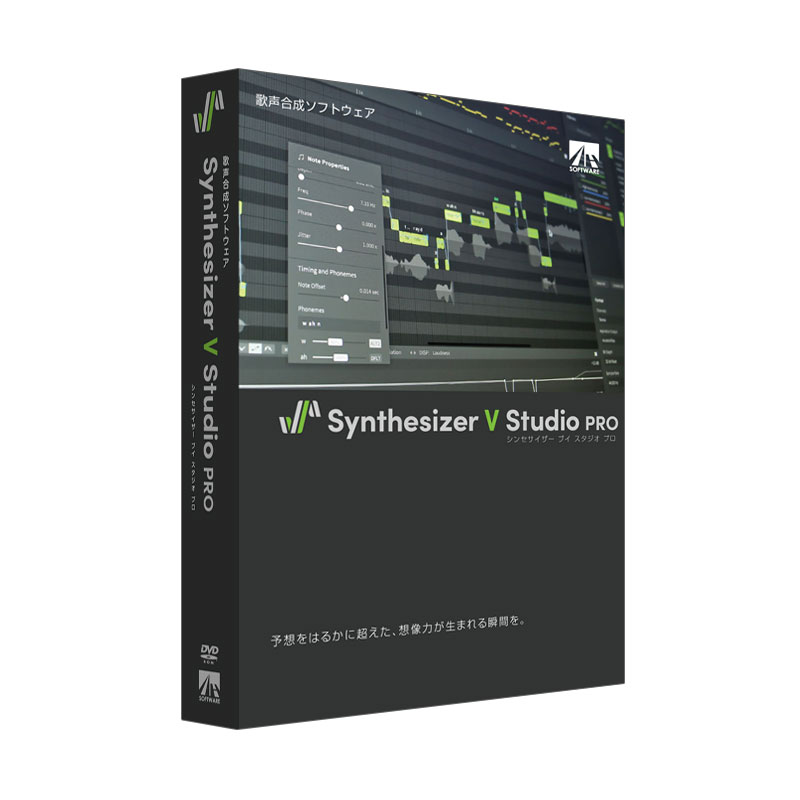
Details on Synthesizer V Studio editions for AI voice synthesis and music production

Dreamtonics presents Synthesizer V Studio’s next generation release livestream

Announcement of Dreamtonics’ new official website with future updates to come


[caption]