


By SIRMA
Gender-swap male vocals using Vocoflex and Synthesizer V for your next track.
Thanks to AI vocal transformers and synthesizers, you no longer have to limit yourself to a single voice. In fact, experimenting with different vocal characters can enrich your creative process.
With tools like Vocoflex and Synthesizer V Studio 2 Pro, you can change male vocals to female and push the sonic boundaries of gender. Here’s a guide to help you start reimagining lead vocals, build layered harmonies, and explore new timbres with AI.
Why Changing Voice to Female or Male Matters in Music Production
Vocal modification has long been a creative strategy in music. Before AI revolutionized production tools, musicians relied on formant shifting and pitch manipulation to reshape vocal timbre.
The chamber pop artist Agnes Obel benefited from this technique in one of her most successful singles, “Familiar.” The gender-swapping effect plays such a significant role that Obel uses a vocal transformer to sing the choruses live.
Some EDM producers incorporate morphed vocals into melodic samples, too. Pioneering practitioners of the technique, Skrillex and Diplo, famously took full advantage of Justin Bieber’s vocals in “Where Are Ü Now.” By pitching up and down, stretching, and chopping samples of his voice, the duo wove Bieber’s vocals into the heart of the song.
Ten years ago, hearing gender-swapped vocals as a special effect was a relatively new concept. Today, AI-powered vocal changers and synthesizers are capable of generating a wide range of voices with natural-sounding results.
Here are a few reasons why artists benefit from AI technology to change their voice to female or male today.
Generating Full Vocal Stacks with One Voice
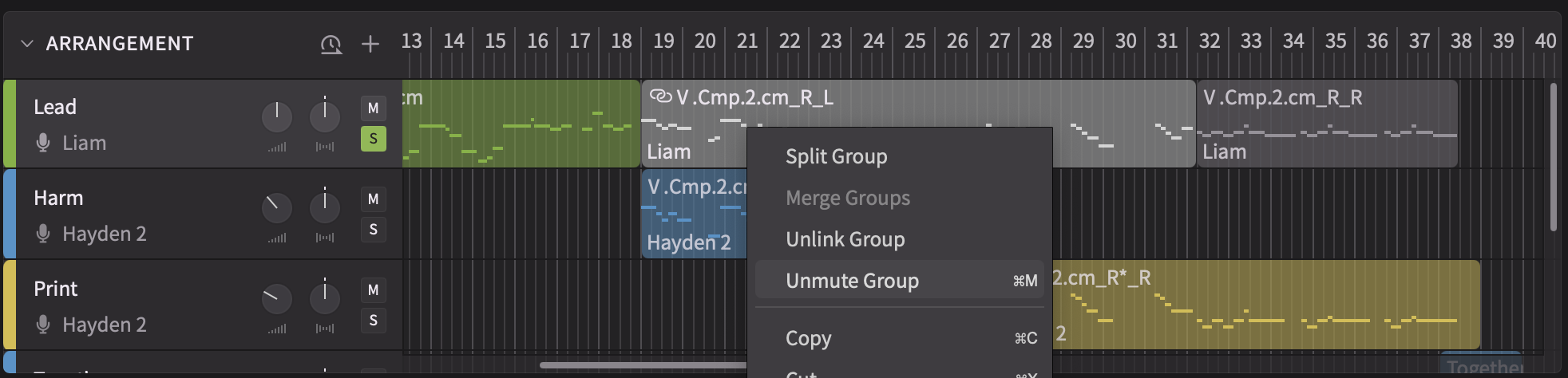
It’s possible to generate a full vocal stack with doubles and harmonies out of a single voice using Vocoflex. You can also incorporate Synthesizer V into your workflow to write complex vocal arrangements while hearing all the soprano, alto, tenor, and bass parts play back in real time.
Not all artists have the budget to hire background singers for every project. And even if they do, preparing accurate demo tracks ahead of an expensive recording session will only lead to more efficiency down the road.
Hearing What Your Song Would Sound Like with a Different Vocalist
As a songwriter, you don’t have to confine yourself to the limitations of the gender of your own voice.
If you’re a male singer but want to pitch a song to a female artist, you can transform the lead vocal using Vocoflex.
Going that extra mile can make the difference between a yes and a no. At the end of the day, recording artists will consider songs they can envision themselves singing.
How to Change Voice to Female with AI Voice Changers
Learning what’s possible with today’s technology can help expand your skill set and reach. Let’s dive deeper and explore how Synthesizer V and Vocoflex can revolutionize your vocal production toolkit.
Transform Male Vocals into Female with Vocoflex
Vocoflex is a vocal plugin that can transform a male vocal recording into a variety of female and androgynous characters. Unlike prompt-based AI tools, it retains the expressive qualities of the original performance you run through it.
There are a few ways to approach this transformation process. If it’s your first time using Vocoflex, the easiest way to get acquainted is to try its various presets.
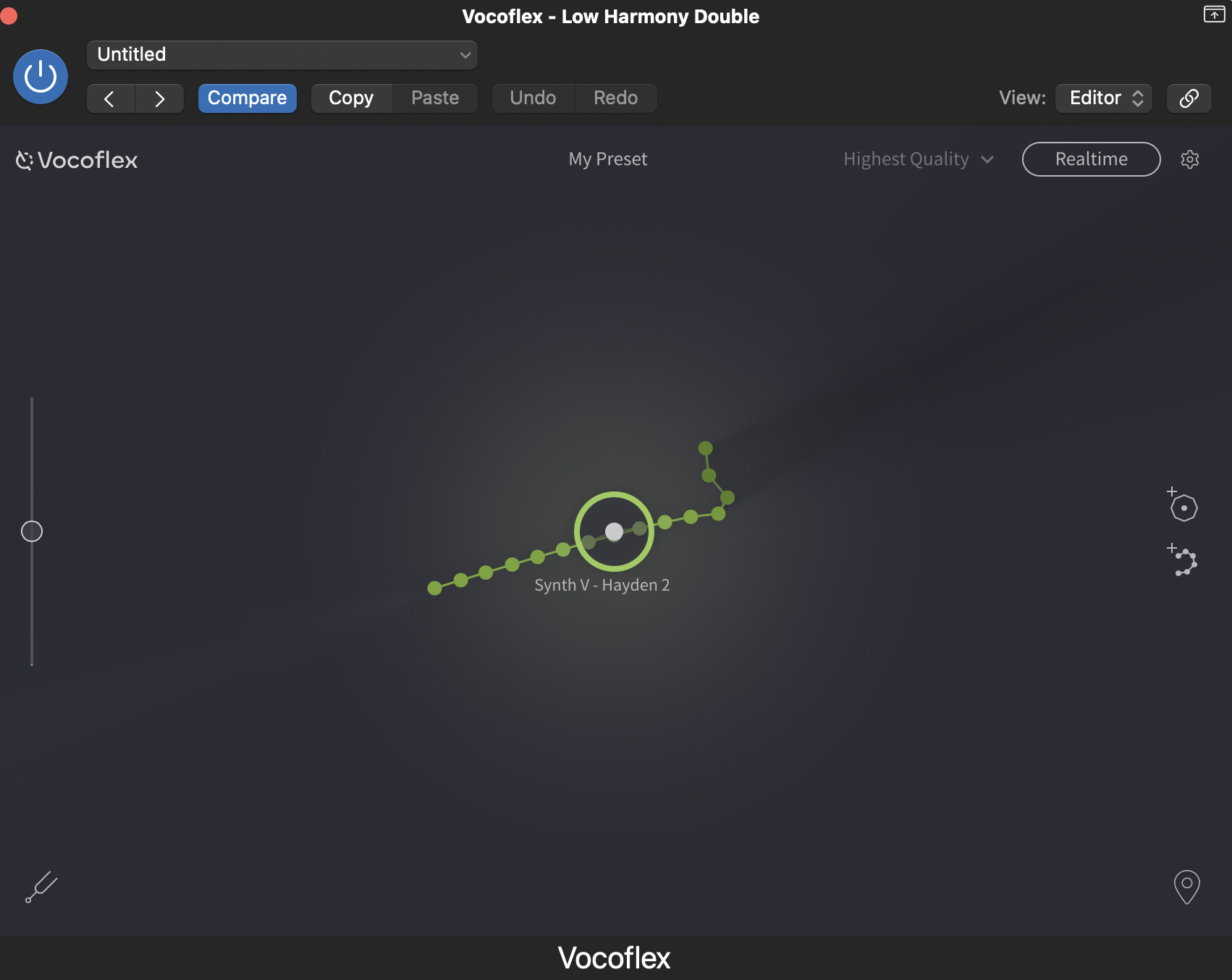
For demonstration purposes, let’s pull an excerpt of Hayden 2 from the Dreamtonics voice collection. Here’s how it sounds through the Vocoflex preset, Nasal Raspy Alto.
Since Hayden 2 is a tenor character, it doesn’t take much effort to adapt his delivery to an alto voice. But you can always use the built-in pitch shifter in Vocoflex to make the melody more suitable for a soprano. Click and drag the slider to the right until you see +12, pitching the audio up an octave. This way, you can hear the full potential of a preset like Clear Idol Soprano.
You can also blend multiple vocal characters within Vocoflex. Even if you switch presets, the options you previously selected will still be visible. But to start fresh, let’s try mixing a human female vocal excerpt with Dreamtonics’ own Natalie 2. You can drag and drop any dry audio recording of a single voice in mono. The cleaner the recording, the better the transformation.
As you click and move the cursor, you’ll hear timbral shifts in real time. You can instantly audition an endless number of voices.
If none of these options suit your project, try experimenting with Vocoflex’s own Voice Generator. Move the cursor all the way to Feminine, and raise the tone for a delicate, nasal, and airy color.
Vocoflex is the tool to turn to when you’re content with the melody, lyrics, and overall performance of the original recording. But with Synthesizer V, you can compose music while designing the voice you have in mind.
Redesign Male Vocals with Synthesizer V
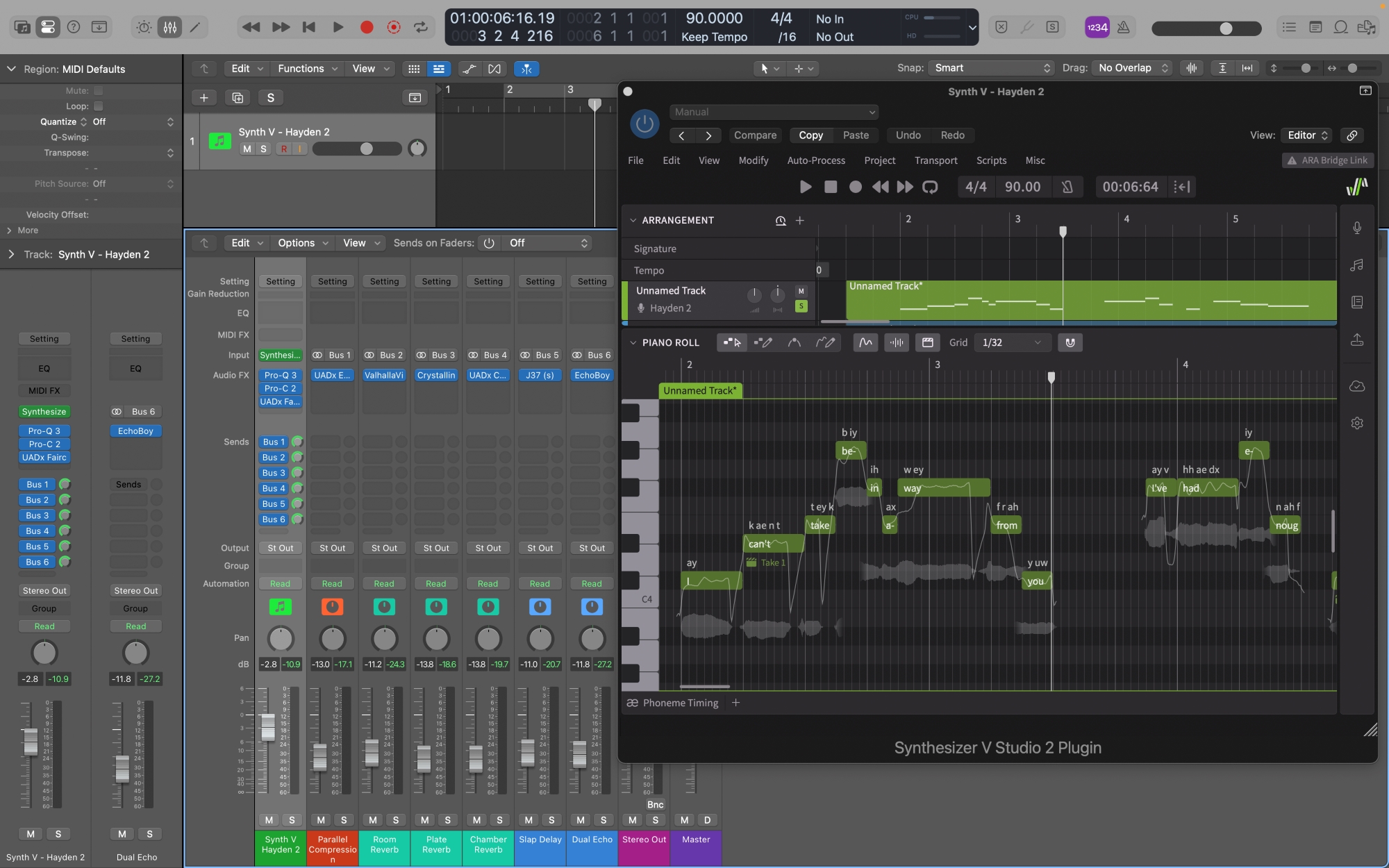
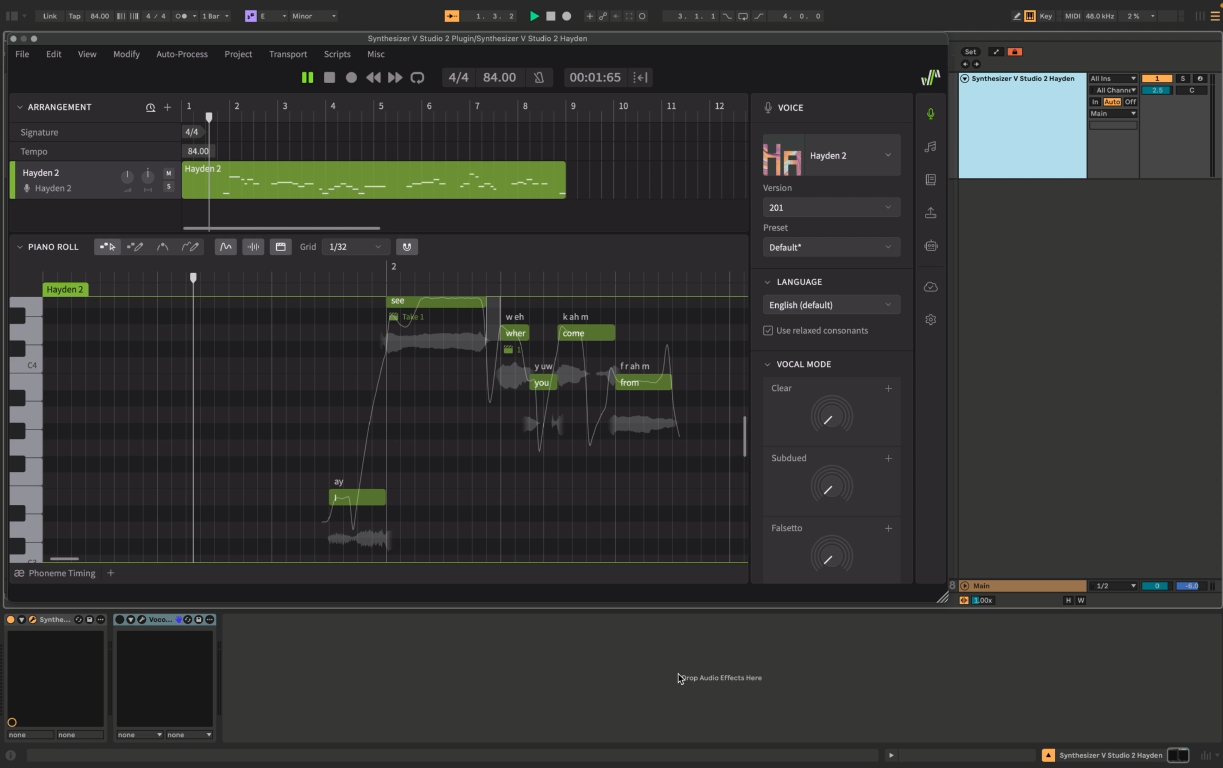
Let’s use the same vocal excerpt of Hayden 2 from earlier to put Synthesizer V’s Voice-to-MIDI function to the test.
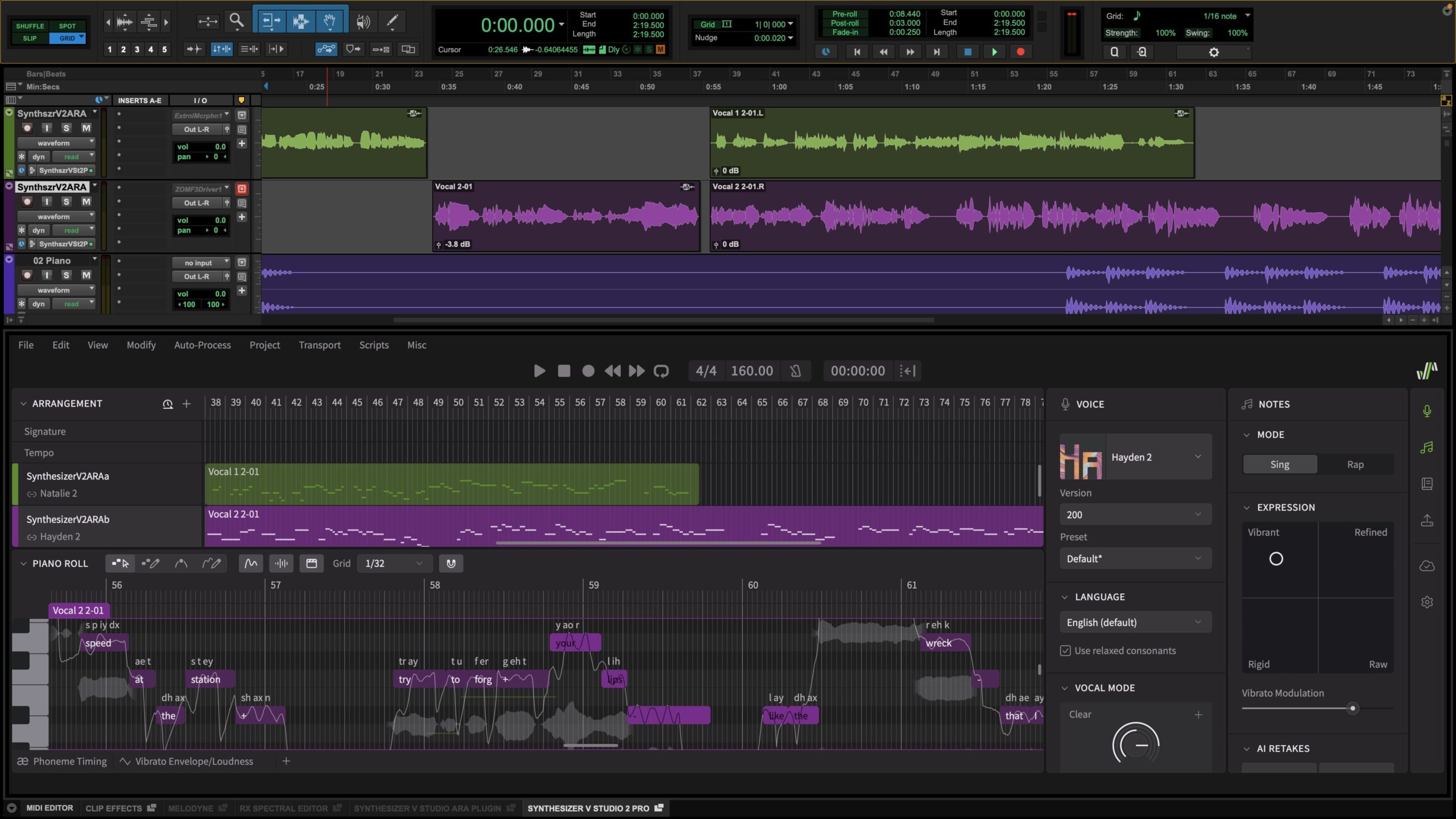
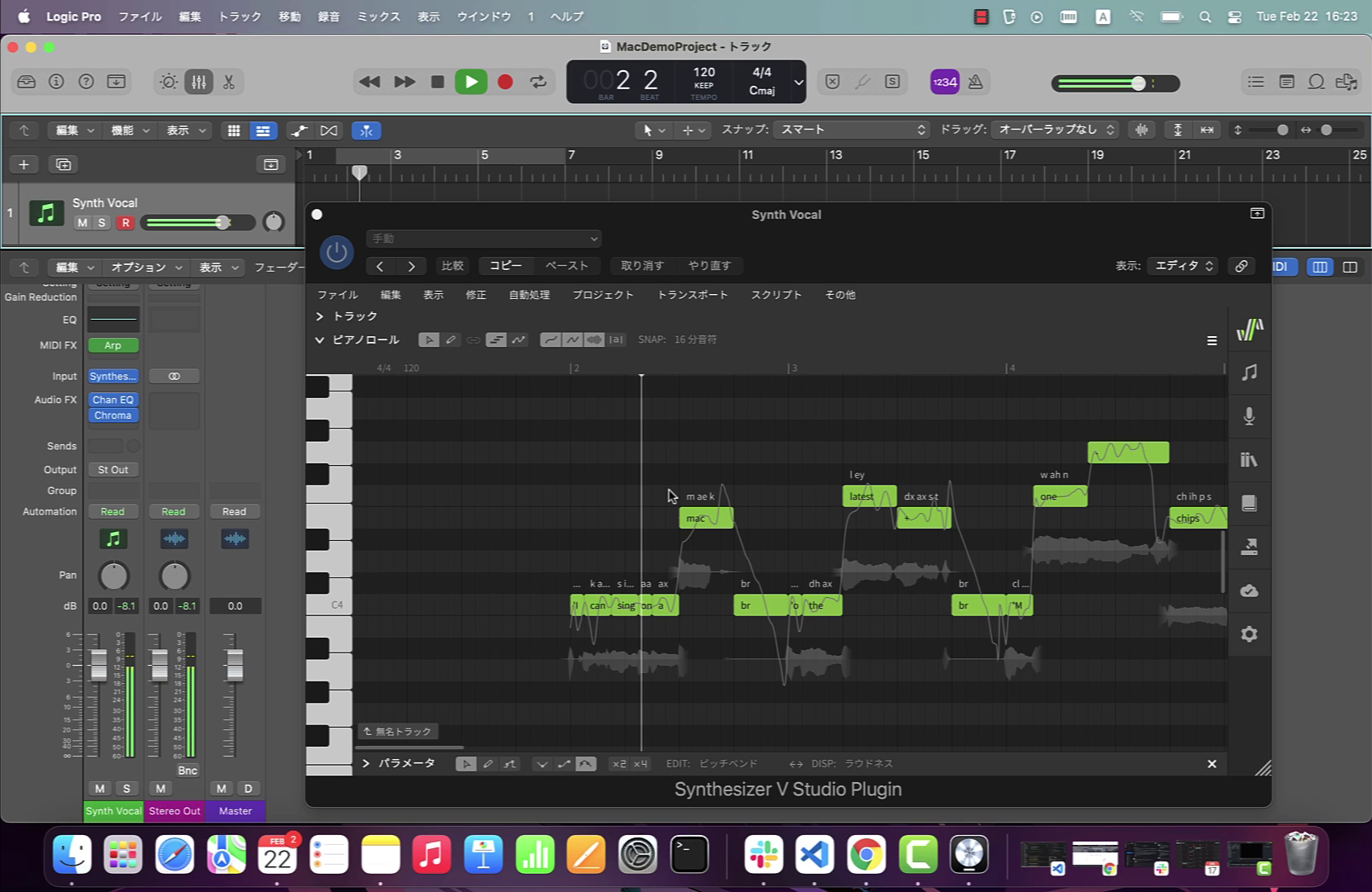
You can drag and drop the excerpt into the Synthesizer V plugin in your DAW. Once you control-click on the audio clip, you’ll see an option to extract notes from audio. The conversion window that appears next will offer some flexibility. Synthesizer V can detect lyrics in English, Mandarin Chinese, and Japanese. If the excerpt is in a different language, be sure to check the phonetic lyrics transcription box.
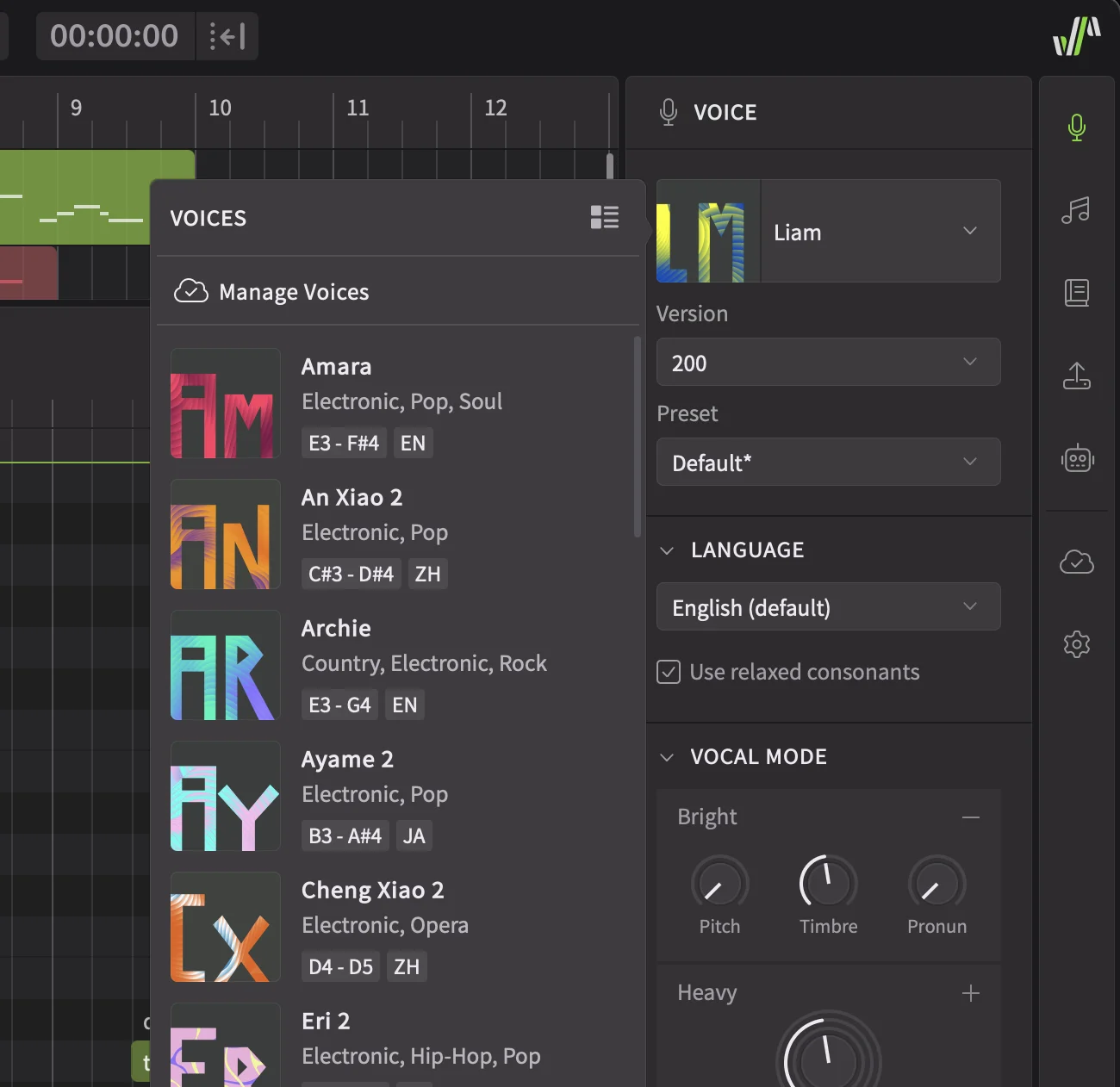
Once the MIDI region appears on a new track, you can choose a female voice from your library, like Natalie 2. In this case, the conversion was mostly accurate. But there were a few lyrics and notes that needed fixing.
Since each voice has unique traits, what works for Hayden 2 may not always work for Natalie 2. For example, Natalie 2 sings with fast vibrato and a pure tone. Hayden 2 has a slightly more strained and huskier color in comparison. This is why some of the notes may require alternative AI takes and granular edits.
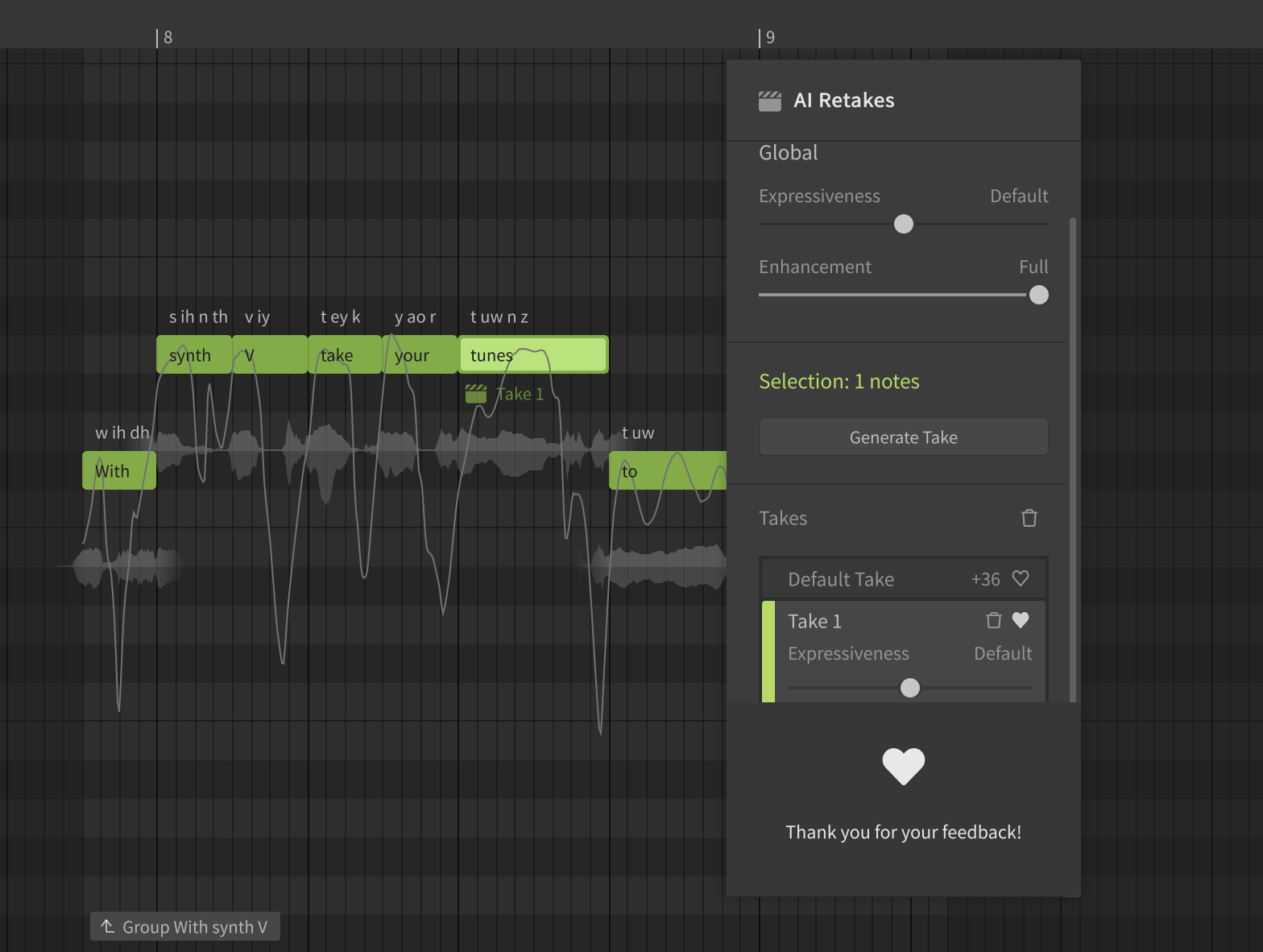
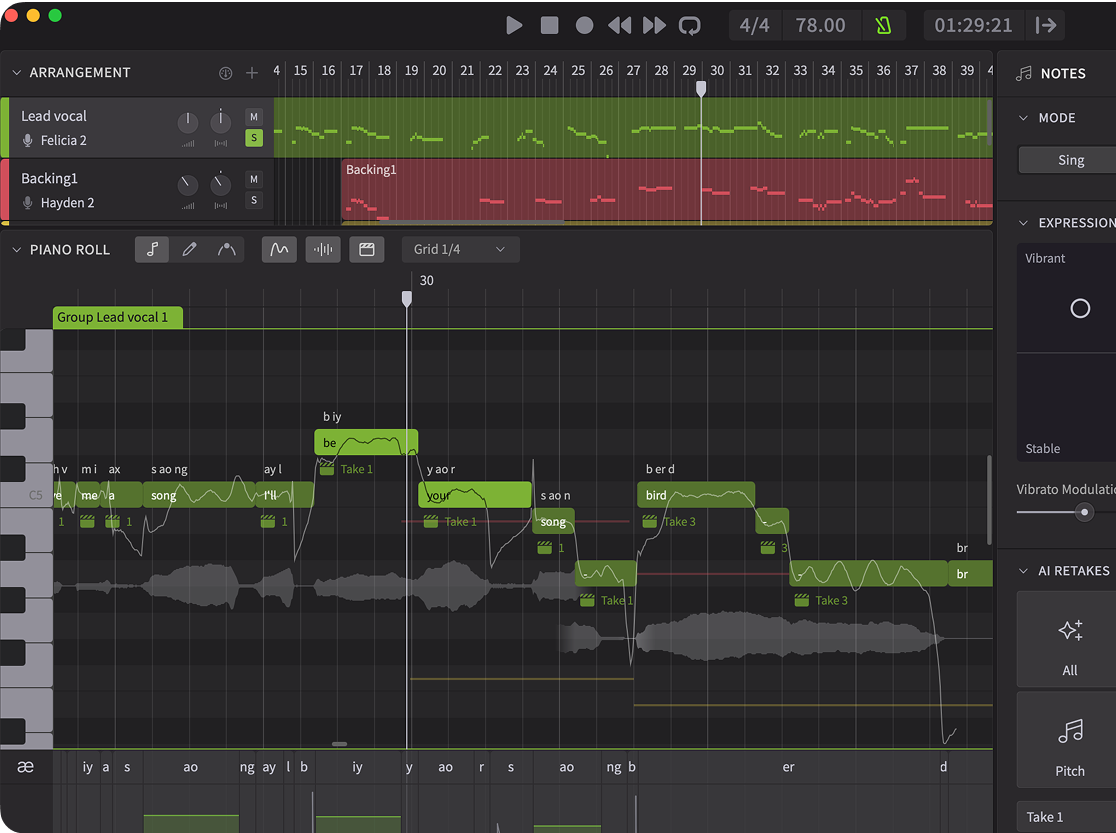
You can swap the original take for a single note based on timing, pitch, and timbre, thanks to the AI Retakes feature. It’s also possible to try vibrant, raw, rigid, and refined expression varieties without affecting the entire performance.
Here, increasing Natalie 2’s Steady Vocal Mode works well. Some notes sound better longer, with noticeable vibrato. In contrast, shortening some other notes suits Natalie 2’s style better. Occasionally, redrawing the pitch drifts in Pitch Control Curves Mode in the piano roll keeps straight tones in check.
All these adjustments make a difference. But sometimes deleting a note and rewriting it manually can be a quick way to achieve the exact vocal delivery you want.
Some form of audio-to-MIDI conversion is available in most DAWs and a few third-party plugins as well. What sets Synthesizer V apart? Well, Synthesizer V detects more than musical notes. It analyzes lyrics, phonetics, and pitch modulations that can occur in any vocal performance.
This is how Natalie 2 sounds singing Hayden 2’s melody and lyrics after a few tweaks.
Choosing the Right Method to Create Female Vocals
Now that we’ve seen what both Vocoflex and Synthesizer V can do, let’s break down the key differences between them.
Vocoflex is ideal when you already have a finished vocal performance and want to reshape its character. It works directly on audio, preserving the timing, phrasing, and emotional delivery of the original take. Like other vocal transformers, such as AutoTune’s Metamorph and Sonarworks’s SoundID VoiceAI, it contains a preset library. But only with Vocoflex can you access a Voice Generator that fluidly morphs from masculine to feminine and import vocal excerpts you own to blend multiple timbres at once.
Synthesizer V, by contrast, excels when you want deeper control over melody, lyrics, and vocal expression. By converting audio to MIDI, you can redesign a performance from the ground up, refining every note in the built-in piano roll. And instead of recording new takes each time you want to revise your ideas, you can write them in and hear them play back to you.
More Ways to Use Male-to-Female Voice Changers
Changing male voices to female with AI is only the tip of the iceberg. You can expand your toolkit with gender-morphed vocals in a myriad of ways.
As an artist, you can create duets with yourself by transforming your voice with Vocoflex both in the studio and on stage.
As a visual media composer, you can record your own voice and convert it in Synthesizer V to create cinematic vocal textures. Dreamtonics’ AI voices, like Felicia and Feng Yi, come with Operatic vocal modes that are perfect for a task like this.
As a music educator, you can create play-along tracks with programmed guide vocals for your students. You can also teach them how to arrange music for multiple voices with instant playback. Gone are the days of depending on choir synths to imagine how each vocal part will sound!
Change Your Voice to Female or Male with Vocoflex and Synthesizer V Studio 2 Pro
Speaking of choir synths – the more advanced AI vocal transformers and synthesizers become, the more options music creators have to experiment. Today, you don’t have to stop at transforming a single voice: you can digitally build a choir that sounds impossibly expressive.
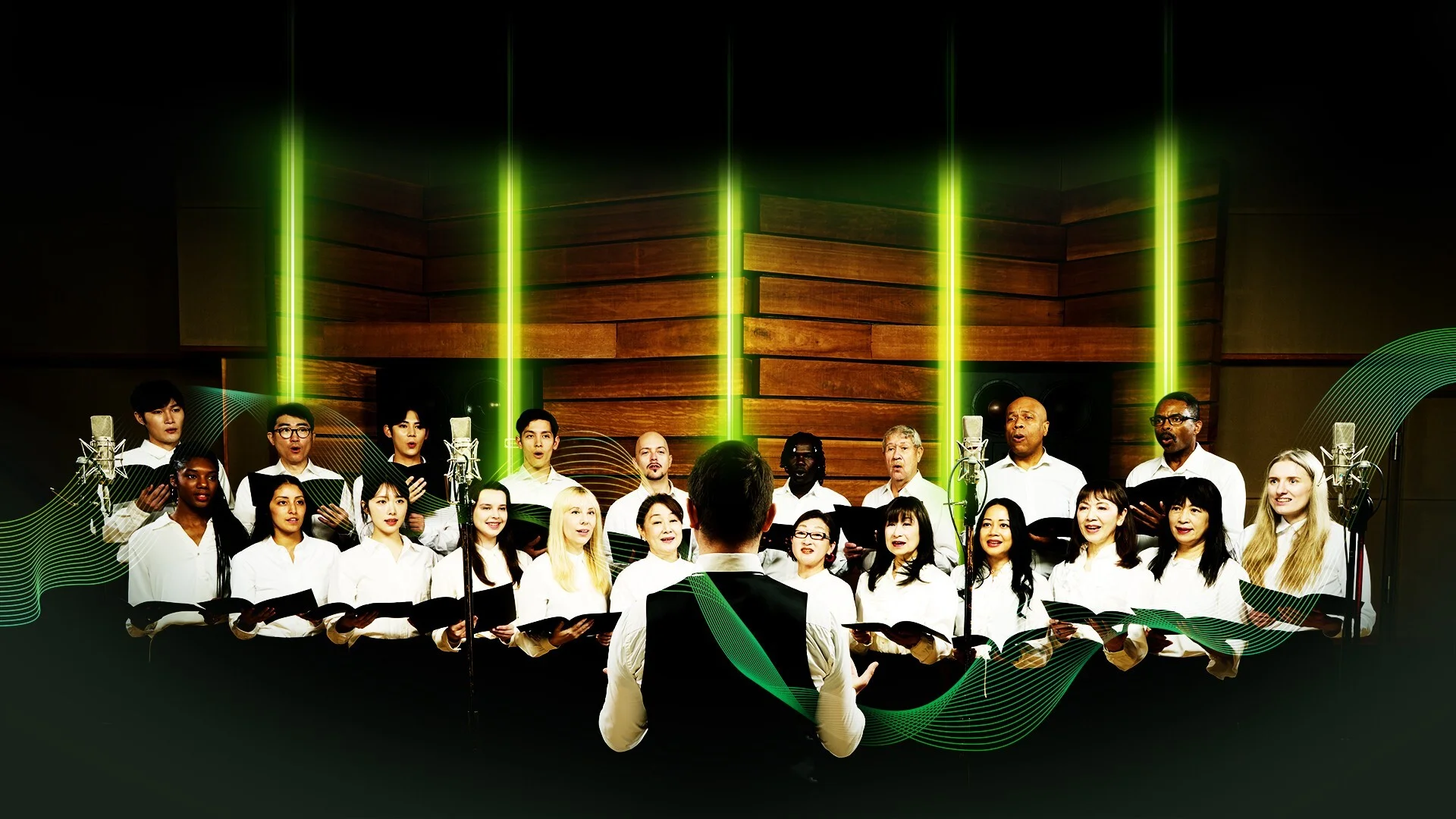
With the new Dreamtonics Choir Voice Collection, you can take your melody and assign it to multiple voices with maximum realism and minimum effort. Each collection includes 16 unique voices across soprano, alto, tenor, and bass sections, which can expand to 64 voices with a little help from Synthesizer V’s Unison panel.
Who knows? Maybe one of these strategies holds the key to a more productive era in your vocal production journey. You’ll never know unless you try.
Ready to transform your vocals? Start exploring new sonic identities with Vocoflex and Synthesizer V Studio 2 Pro today!