


By SIRMA
Learn how to build realistic AI choral arrangements using the new Choir Voice Collections in Synthesizer V Studio 2 Pro.
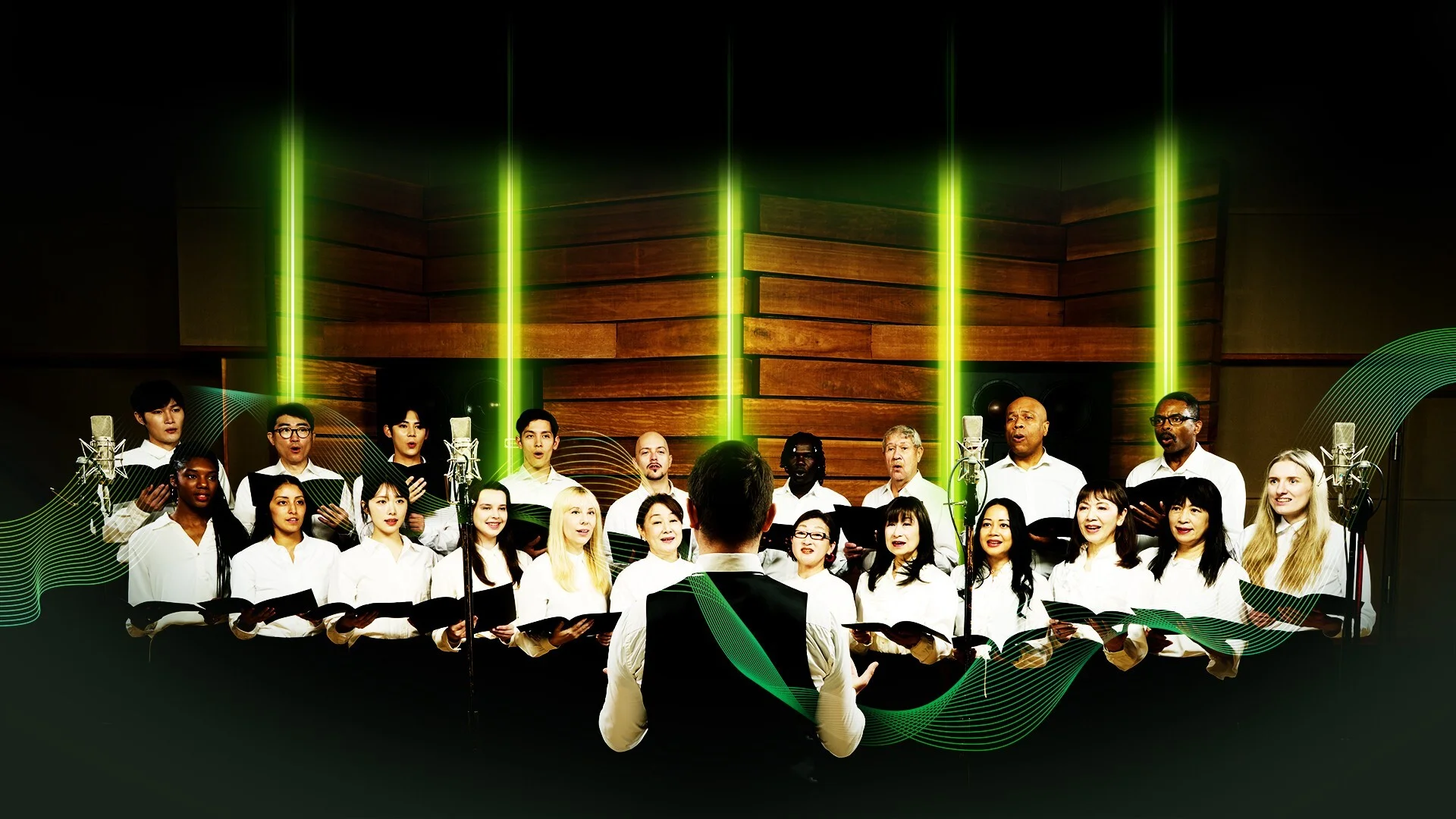
Choirs sound rich and dense because they contain many unique voices. Each voice brings subtle differences in timbre, timing, and pitch. That’s why layering take after take from a single vocalist always misses the realism of a true choir.
Some traditional software instruments offer choir presets that can fill out the background of a mix. But try inputting lyrics or shaping the style, and they quickly hit their limits.
Enter Dreamtonics’ new Choir Voice Collections for Synthesizer V, a pack of three ensembles supporting multiple languages and genres from classical to gospel.
The latest update also adds built-in effects such as Room Simulator, EQ, compression, and reverb, equipping Synthesizer V Studio 2 Pro with the necessary tools to blend every vocal part seamlessly.
In this guide, we’ll show you how to get the most out of each choir collection and adapt them to your workflow.
How Does an AI Choir Work?
An AI choir works by combining extensive audio recordings of a human choir with machine learning technology. A software program capable of producing AI choirs is one that not only captures but also analyzes recordings for accurate modeling.
AI vs. Traditional Virtual Choirs
Some AI choirs are generated via text-based prompts on platforms such as Suno and Udio. Others function as fortified digital instruments, stretching far beyond the capabilities of traditional choir sample packs.
Almost all DAWs come with sample-based synthesizers that contain a choir preset or two. They resemble a human choir, but in a noticeably synthetic fashion. This is because samplers capture and pitch-shift recorded audio. AI technology, on the other hand, analyzes and replicates the acoustic characteristics of the voices it’s trained on. It’s capable of regenerating and preserving timbral, phonetic, and expressive details across multiple keys.
Prompt-based AI choirs don’t offer full creative control. Without inputting the notes and the lyrics, it’s nearly impossible to communicate your vision in full. But combine synthesis with AI, and you get to dictate exactly how your generative choir should sound. And that’s what sets Dreamtonics’ Choir Voice Collections apart.
Dreamtonics’ Generative Choir Technology
Dreamtonics’ generative choir technology doesn’t remove the composer from the equation. Instead, it equips you with a blank canvas and a large palette.
That palette now includes three distinct Choir Voices collections, with each containing sixteen unique solo voices supporting six languages.
The magic of these collections lies in their realism. To recreate the synergy of a real choir, going beyond the basics of sampling each vocalist individually was essential. In the process, the Dreamtonics team discovered that it’s the imperfections, misalignments, and pitch deviations between each voice that make a choir sound so grand. Through trial and error, they managed to build collections that put you in a conductor’s shoes, deciding how tightly or loosely all the voices at your fingertips should blend.
Three Choir Packs for Every Genre
The Dreamtonics team’s hard work produced three choir packs, so that you have an option for every genre you venture into.
Choir Voices – Collection 1
Originally sampled in English, Collection 1 features Soprano, Alto, Tenor, and Bass voices that suit contemporary styles. Great for building rich backing vocals for gospel, pop, R&B, rock, and electronic music.
Choir Voices – Collection 2
Recorded in Mandarin, Collection 2 consists of Soprano, Mezzo-Soprano, Tenor, and Bass voices that shine in classical, operatic, and cinematic compositions. In Synthesizer V, the Mezzo-Soprano section can be controlled via the Alto selection in the Voice panel.
Choir Voices – Collection 3
Voiced by a Japanese choir, Collection 3 also contains Soprano, Alto, Tenor, and Bass sections. It’s an ideal fit for folk, hymnal, ceremonial, and alternative genres.
Programming Your Choir in Synthesizer V
Although each choir voice collection offers a distinct flavor, the programming process remains familiar in Synthesizer V. If you’ve previously composed with other solo voices, you’ll adapt to the new features in no time.
Let’s program a choir in the stand-alone Synthesizer V Studio 2 Pro application and review the latest tools.
Using All Voice Parts Together
Unlike most other virtual choir instruments, you can control each section separately in Synthesizer V. Whether you use all voice parts together or not is up to you.
Still, staying true to what’s humanly possible will help you achieve a realistic vocal blend digitally. For example, if you pay attention to which notes a soprano vocalist can comfortably sing, you’ll get the optimal virtual performance out of your sopranos in Synthesizer V.
Here are the standard vocal ranges for each section in choral music:
Soprano: C4 – A5
Alto: F3 – F5
Tenor: C3 – C5
Bass: E2 – E4
There may be slight differences between each choir and genre. But these guidelines provide dependable constraints to work with.
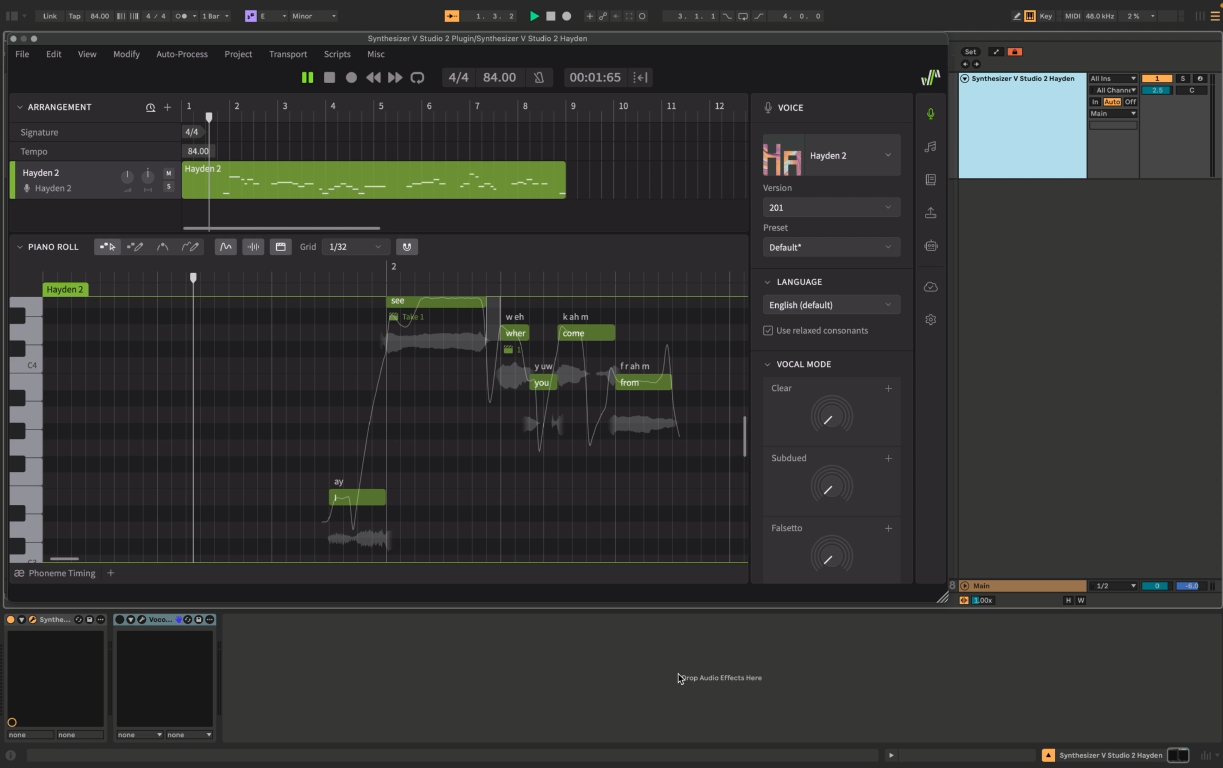
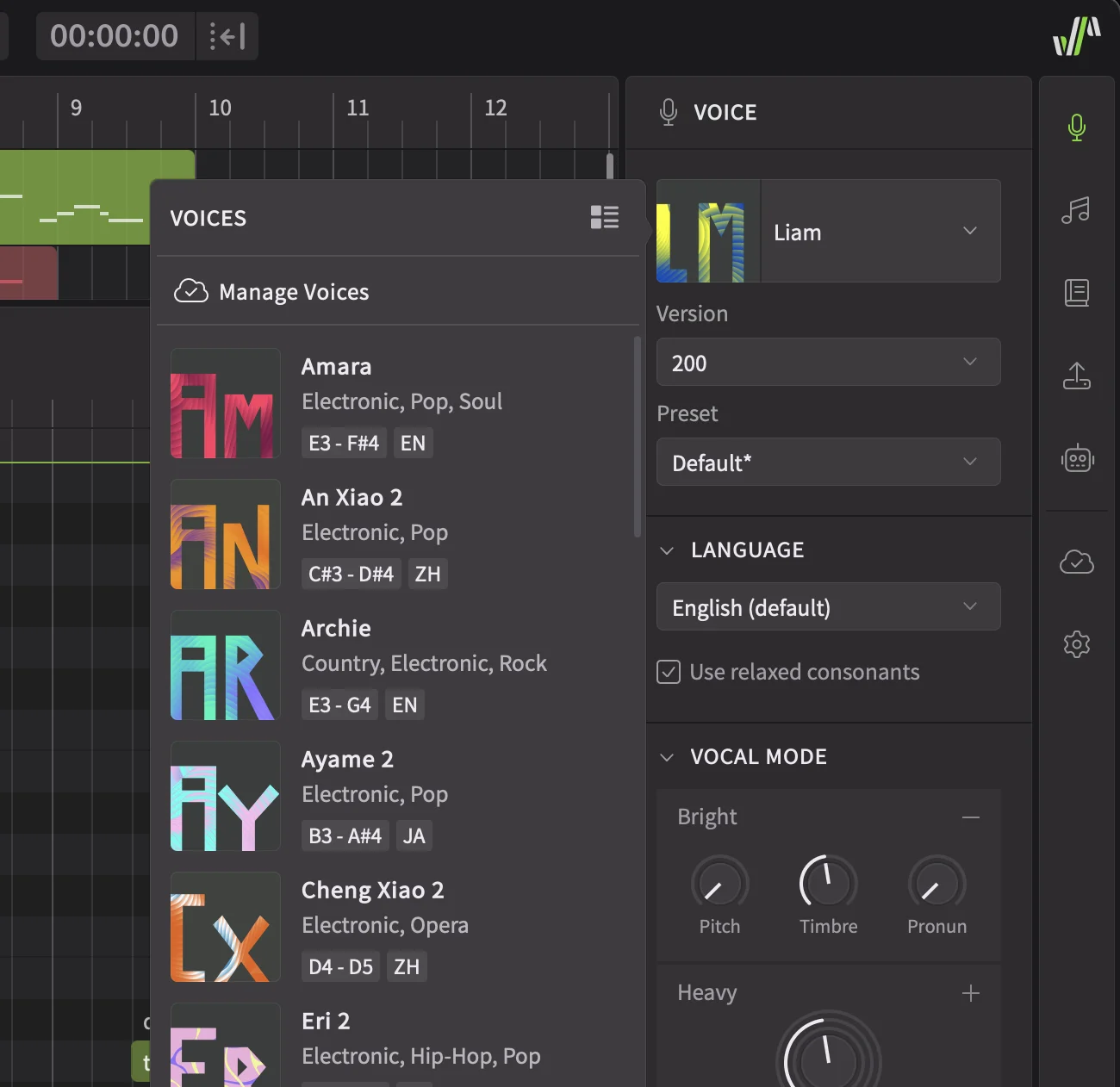
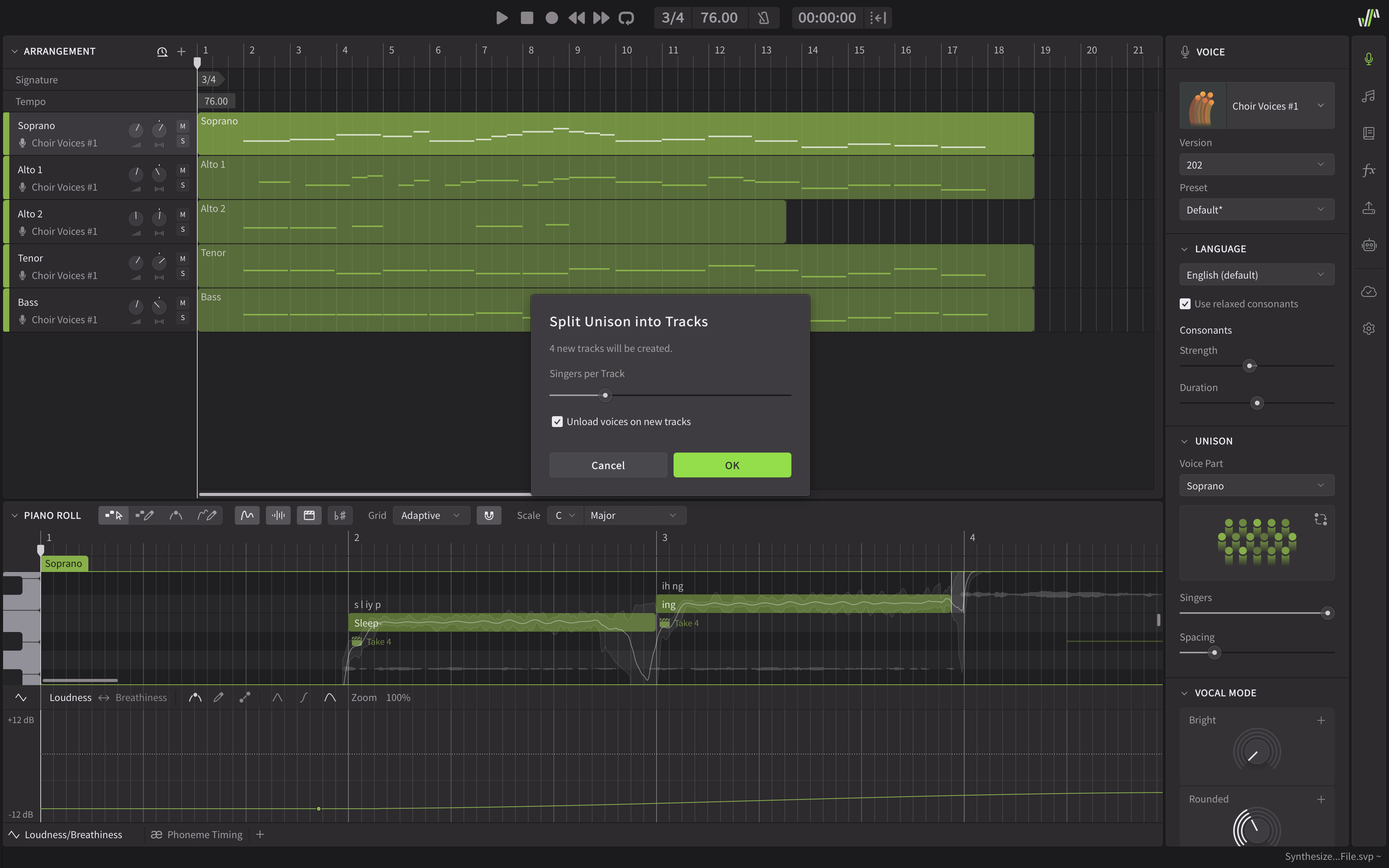
Following them, I put together a short five-part choir arrangement with soprano, tenor, bass, and two alto parts. I went with Choir Voices 1, selecting the appropriate Voice part on each track.
Rather than staying in a single key, I built chord progressions around both C major and C minor. Seeing all the MIDI notes I entered for each part on the piano roll helped me compose with ease.
Instantly, I could hear each virtual vocalist starting and stopping singing at slightly different moments. There were also variations in pitch, vibrato, and the timing of their breaths. As configured, Choir Voices 1 stayed true to the classic characteristics of a human vocal group. But with Synthesizer V Studio 2 Pro, I had control over how rehearsed the choir should sound in my production.
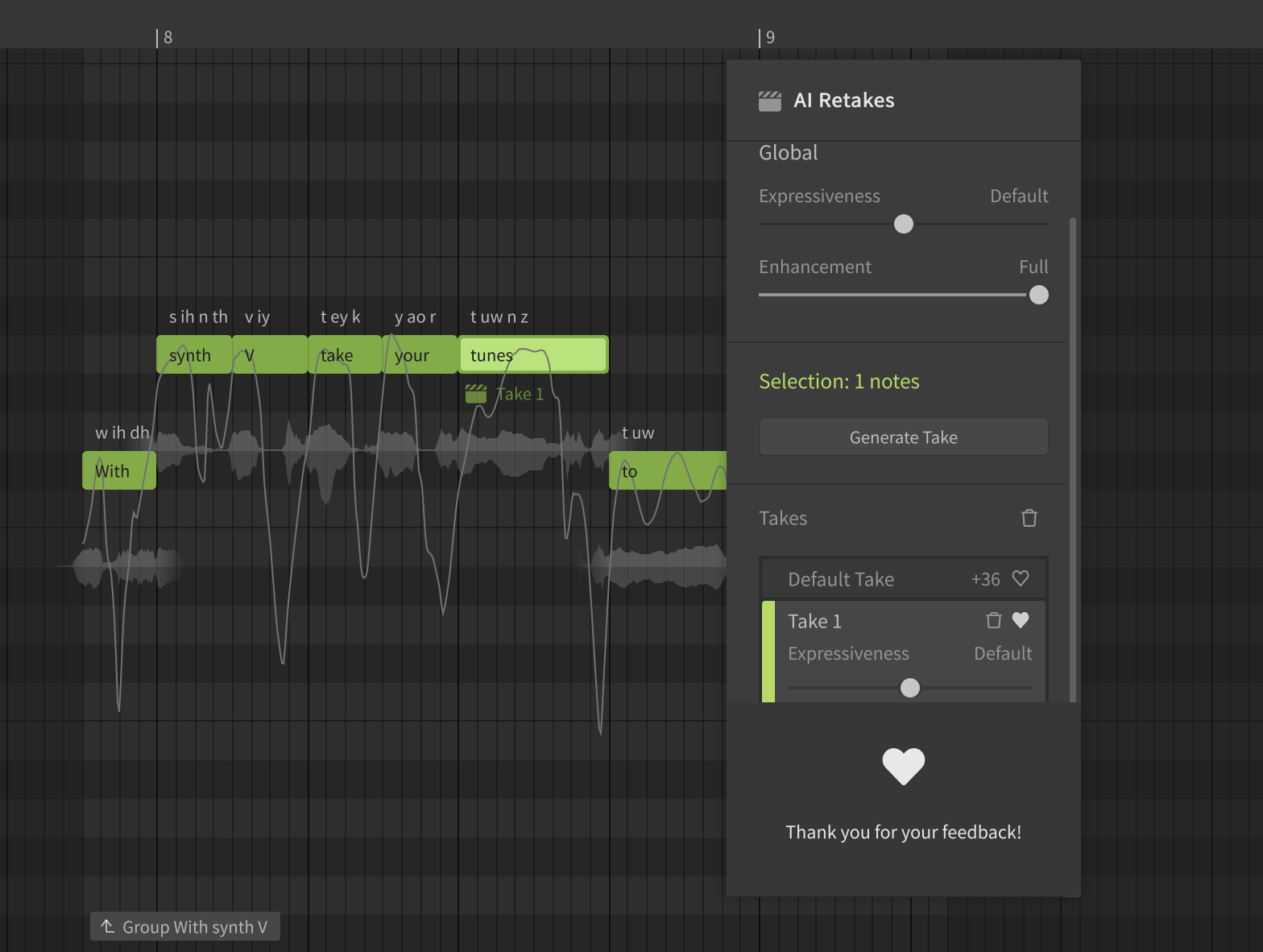
I used the Choir Spread controls and AI Retakes the most to shape each instance of the performance. With the Note Start slider, I could direct the choir to start singing the note in a perfectly aligned or scattered way. Similarly, the Phrase End slider was useful in achieving natural-sounding tails. As for the Pitch slider, it came in handy in determining how dissonant or harmonious the choir should be.
Determining the Size of Your Choir
Each Choir Voice collection comes with 16 unique voices, but that doesn’t mean you can’t go bigger. In the Voice panel, you’ll spot the new Unison module, which allows you to multiply the layers and adjust the space between them.
Regardless of which Voice Part you pick, you’ll always have four unique voices as your starting point. From there, you can expand each section up to 16 voices.
Determining the size of your choir is mainly a taste-based choice. But there are some real-life considerations to keep in mind. For example, the number of soprano singers may be larger than the alto section if the melody is supposed to be performed at a higher volume. And, as you increase the distance between the singers, you may hear each voice more clearly. Keep them too far apart, and your choir may sound detached.
These are some of the concepts that Synthesizer V allows you to experiment with. But for the sake of demonstration, let’s hear the difference between the 16-voice and 64-voice versions of Choir Collection 1.
Tips for a Realistic AI Choir
As you can hear, achieving a realistic AI choir sound doesn’t take much effort with Synthesizer V. But, there’s always room for improvement.
Choosing the Right Choir Collection for Your Arrangement
Because each production is unique, it’s not a bad idea to swap the voices to see which choir suits your arrangement best.
Let’s give Choir Voices 2 a test run.
By default, this choir’s tone is a lot more rounded compared to Choir Voices 1. With a deep resonance, the Choir Voices 2 singers modify each vowel for a clear, legato consistency.
Now, let’s try Choir Voices 3 instead.
This choir carries some of the characteristics of classical singing. But it also puts the individuality of each vocalist forward. The emotional vibratos and striking bass lines are easily discernible. As you listen, you hear the intricate details that draw your attention away from the homogeneous mix.
Although each collection brought a fresh breath of air to my arrangement, I decided to continue my journey with Choir Voices 1 to see how far I can take them.
Since I envisioned this piece as a soothing, ethereal wall of sound, I maxed out the number of Singers in each track under Unison. I adjusted the Spacing as well, paying attention to the width and body of the mix.
I wanted the choir to be up close, singing directly into my ears. Using the panning knobs, I moved the Soprano, Alto 2, and Tenor sections slightly to the right, while spreading the Alto and Bass voices to the left.
While customizing Choir Voices 1 with the controls under Vocal Mode, I adjusted the Rounded and Smooth knobs for each track.
I opted for a soft and airy timbre that fits the mood of my piece. But no vocal performance can be truly expressive without dynamics.
Automation Tips for Human-like Dynamics
Human-like dynamics are essential to transforming a static performance. With Synthesizer V’s smart automation panel, you can conduct your virtual AI choir, note by note.
Take this Soprano track, for example. I created a relationship between the Tension and Loudness controls, automating them up together and down together. It’s this ebb and flow that builds emotion.
No human singer can increase the loudness of their singing without introducing tension. The same rule applies to virtual voices in Synthesizer V.
I followed a similar strategy with other tracks. Instead of taking a copy-and-paste approach, I treated each part with care, paying attention to the nuances of their phrasing.
Mixing Tips for a Homogeneous Choral Blend
It’s best to adjust the levels and panning knobs in the process of composing. But the bulk of the mixing for a homogeneous choral blend should be handled near the end.
Even if you’re not working in a DAW environment, you can mix your vocal arrangements with the effects that are available in the latest version of Synthesizer V.
Getting Acquainted with the New Effects Panel
In the new effects (FX) panel, you’ll find four modules:
Room Sound: For positioning the choir in a virtual room within a specific distance from the microphones. Particularly useful for pushing the choir into the background in a busy mix, or placing them in the corner of a room for cinematic projects. This feature also allows you to determine the size of the room, as well as the amount of reflections occurring inside it.
Equalizer: A four-band parametric EQ with frequency, gain, and q factor knobs to clean up, balance, and shape the tone of each track. Want the plosives to sound less weighted? Reduce the gain of low frequencies. Do the alto voices sound too dark and hefty? Boost the highs, insert a smile curve in the midrange — or do both.
Compressor: A gentle compressor with threshold, attack, and ratio knobs to help you keep the dynamics of each track consistent. You can use volume sliders, loudness automation, and even the frequency bands within the Equalizer to mix vocals. But with a compressor, you can reduce the volume of the loudest moments automatically, which will bring the quieter details to the surface.
Reverb: The bread and butter of choir mixes. Reverb blurs angular textures in any performance and adds that crucial haunting touch to atmospheric vocals. In Synthesizer V, you now have three reverb options to choose from: Clean, Hall, and Room. By increasing the Pre-Delay and Decay times, you can build ambient soundscapes. Use the Dry/Wet knob to keep the reverberations under control.
Not every vocal mix requires utilizing every effect that is available to you. In this case, since I wanted to preserve the loudness automations I wrote in, I kept the compressor off. However, making some EQ tweaks in each track improved the overall clarity and balance of my choir mix. In particular, I gently boosted the high frequencies of the Soprano voices as they carry the main melody.
As for reverb, I went with the Hall option, bringing the Pre-Delay time to 9 milliseconds and Decay time to 3.23 seconds in each track. I kept the Dry/Wet setting at 50% in all sections except for Bass, for which I reduced the reverb amount to prevent low-end build-up in the mix.
Here’s the final result.
Exporting MIDI, Stems, and More
Composing and mixing your choir entirely within Synthesizer V will streamline your workflow. But once you get closer to the finish line, you should consider the next steps. You have several options beyond exporting the audio file containing the full arrangement.
Exporting Stems vs. Full Choir
From a mixing engineer’s point of view, working with a single audio file of the full choir is highly limiting. Some polishing can still be applied with audio effects, but spatial placement adjustments will be much harder to do.
Soloing, rendering, and exporting each Voice Part is a good strategy even if you’re confident in your mixing decisions. This way, your collaborators will be able to manipulate the panning position of the soprano or tenor part even if they don’t have access to Synthesizer V.
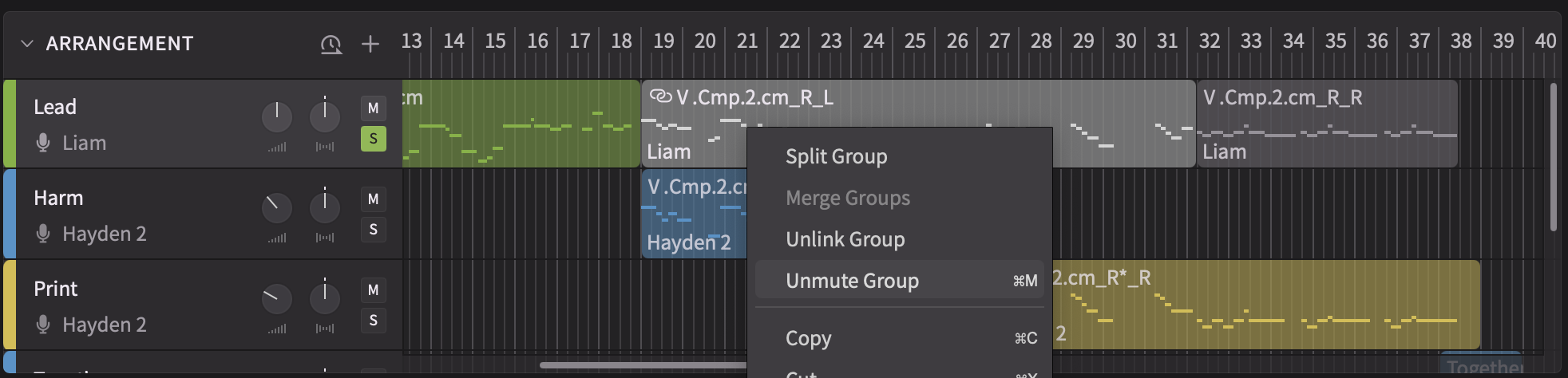
In fact, you can get even more granular with your exporting strategy. Unlike most other virtual choir instruments, Synthesizer V allows you to separate the voices in each choir track into individual tracks. Simply right-click on each track and select the Split Unison into Tracks option. In the window that pops up, you can choose the number of voices you want on each track and unload them all on new tracks.
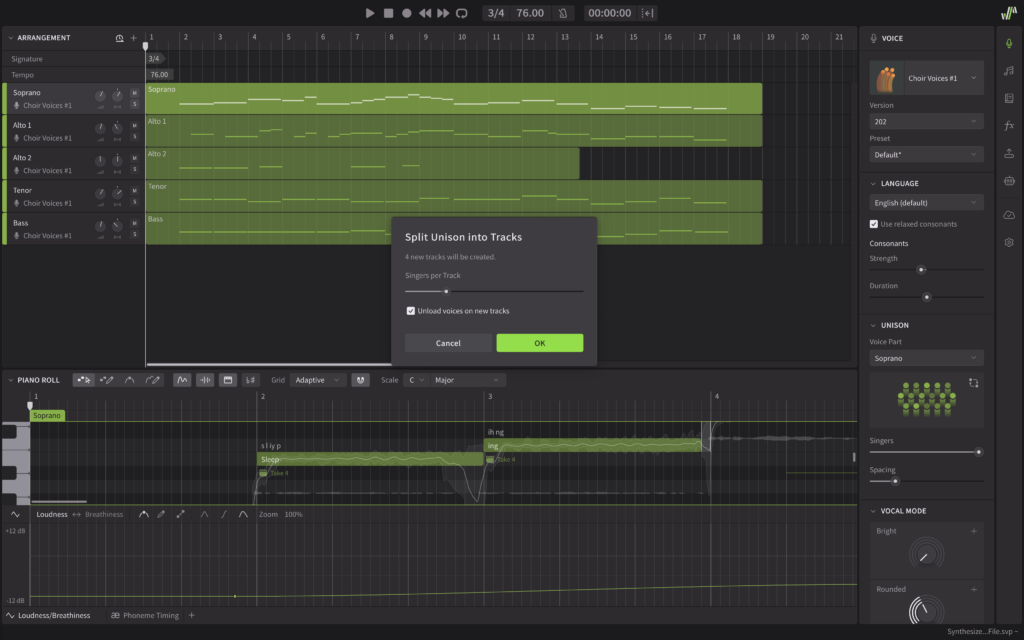
Imagine a scenario where you create a surround mix and put the listener right in the center of the choir. Instead of panning each section in a specific direction, you could pan each voice in small increments, creating a full virtual circle. Not to mention, Spatial Audio rendering systems work best when you have detailed stems on file.
Real-Life Use Cases for Synthesizer V Choirs
You can build all kinds of rich background vocals with Dreamtonics’ new choir collections in any genre. But there are plenty of other real-life use cases, too.
Practicing choir-writing with Synthesizer V is a singular experience, because it takes the guesswork out of the equation. With it, you can translate your vision into reality at an unprecedented rate.
By exporting each voice part individually, you can also create guide tracks for a human choir, increasing the efficiency of your live performance rehearsals. Not every singer is a good sight-reader. But if they hear your composition exactly the way you intended it to sound, they can learn their part by ear.
A File Format for Each Application
Still, some composers and vocal groups prefer to work with music notation. In such cases, you can start arranging your piece, export each voice part as MIDI, and import them into a notation software. This way, you can fine-tune the sheet music ahead of a rehearsal.
The reverse of this method is also possible. You can grab a MusicXML file from any notation software that supports it and import it right into Synthesizer V. Although it’s possible to import MIDI tracks that contain lyrics, too, the MusicXML format is recommended for accuracy. It may take a few tweaks, but you’ll hear your arrangement in the voices of Synthesizer V in no time.
What to Look for When Creating an AI Choir
When searching for an AI choir solution, your focus shouldn’t be on how quickly each tool generates results or how good they sound on their own. The true metric of success is how deeply you can shape an AI choir and bend it to your will. After all, a convincing choral performance is just as much about intention as it is about harmony.
There are other high-quality virtual choir instruments out there that composers have depended on for years, such as Spitfire Audio’s Eric Whitacre Choir. In particular, EastWest’s Hollywood Choirs comes with a WordBuilder technology that can process lyrics. But none of these options compares to the neural-synthesis capabilities of Synthesizer V Studio 2 Pro. Through Choir Voice Collections, Dreamtonics extends your reach as a composer, helping you craft nuanced performances.
Dive into Choir Voice Collections and discover the new features in Synthesizer V Studio 2 Pro here.